
Block Visibility
Block Visibility — Conditional Visibility Control for the Block Editor
by Nick Diego · WordPress.org page · Website
Block Visibility has 40,000+ active installs on WordPress.org and 742,549 downloads all time. It was downloaded 32,244 times in the last 30 days. The last update was on September 18, 2026, tested up to WordPress 7.1.3.
Block Visibility at a glance
Is Block Visibility well maintained?
Features
The feature list from the plugin's own readme on WordPress.org, trimmed to the essentials.
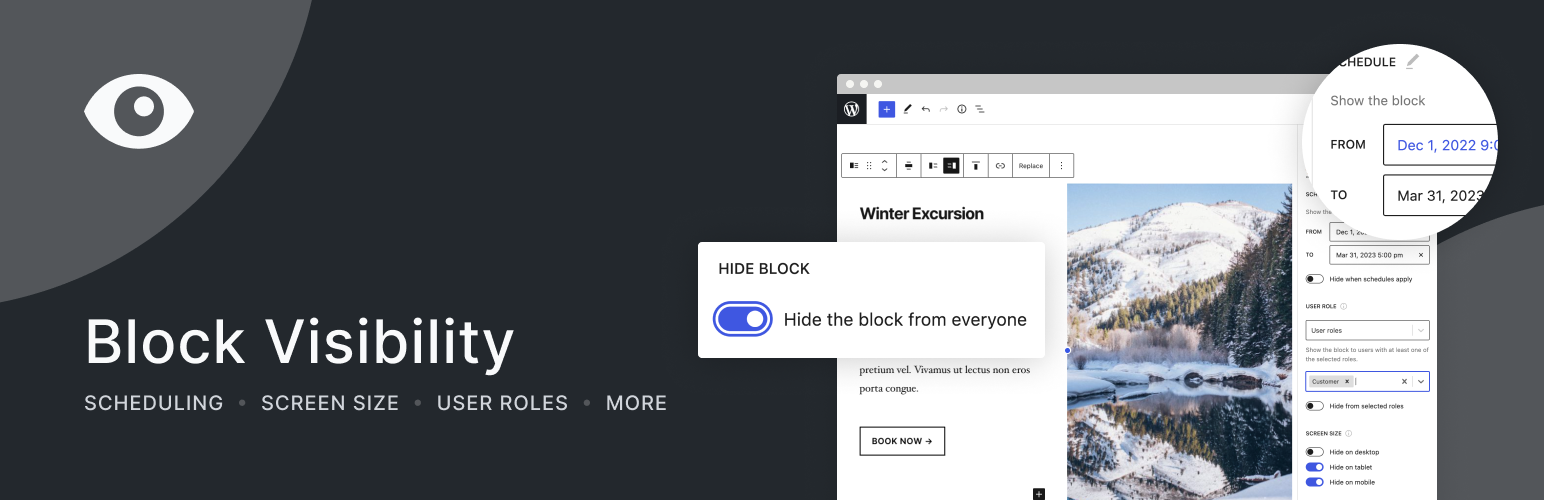
- Hide blocks from all users
- Schedule when content should be visible using a start and end date/time
- Conditionally display blocks based on screen size (Desktop, Tablet, Mobile, and more)
- Only show blocks to logged-in users
- Only show blocks to logged-out users
- Only show blocks to users with specific roles (Administrator, Subscriber, Customer, Member, etc.)
- Only show blocks to specific users. Great for personalization
- Show or hide dynamic blocks based on URL query strings. Great for marketing campaigns!
- Show or hide blocks based on their location and “attributes” of their location (post type, taxonomy, archive, etc.)
- Display blocks based on a website visitor’s referral source (domain/URL)
- Support for all post and user metadata (custom fields)
- Display blocks based on HTML cookies
Block Visibility reviews and ratings
108 reviews on WordPress.org, with the most recent ones as their authors posted them.
108 reviews
- 5★
-
104
- 4★
-
1
- 3★
-
0
- 2★
-
0
- 1★
-
3
-
Fabulous - thank you!!
It does exactly what you anticipate and it does it intuitively! Easy to use and perfect for our non-profit orgs to do a daily 'reveal.' Each day we want a different message displayed. This lets me build the site well in advance and let Block Visibility handle which message is displayed on which date. Just excellent.
idahobaker -
This is the best.
I cannot overstate how I do like this plugin. It's so easy to use and has soo many options to control visibility. Plus: It's also very clean and supports the look&feel of the WordPress Block Editor. The admin settings could be implemented in a more native way, but it's very good to hide the settings in the respective "settings" submenu, instead of creating a new first level menu, like some (most) plugins do. Thank you for the effort. I appreciate it very much.
Kevin Koslowski -
Flexible and easy to use
Well made, easy to use, many options. Thank you!
efrap -
Great plugin
Great plugin! I use it alongside the Bogo multilingual plugin. It's a clever way to manage multilingual sites in FSE by displaying different navigation menus based on the URL path. While dedicated premium multilingual plugins might offer more automated features, this combination is a robust, lightweight, and perfect solution for small websites on a budget.
Rafa Verde -
Super useful!
I use this plugin on several sites I’ve built with Gutenberg and it adds really useful features. It offers a lot of flexibility without adding an intrusive interface. Thanks for building this plugin!
Mickaël Larguier -
One of the best plugins
Nick has truly gone above and beyond with this plugin. Block Visibility is something that should be in core, but even beyond the basics, he's provided the community with a truly enterprise/premium tool. The documentation is extensive and easy to access. Unlike many other systems of hiding content (like the responsive visibility settings in Kadence Blocks), all Block Visibility controls conditionally render content at the server level improving SEO and page speed. It’s important to note that the Screen Size control is the only control that hides blocks using CSS.
grayayer
Download and install history
84,071 downloads over the last 48 days. Snapshots taken daily from WordPress.org.
Block Visibility alternatives
Plugins that solve the same problem, ranked by how closely they overlap with Block Visibility.
-
 Widget Context 30,000+ installs · 4.5
 -
 WP-ShowHide 9,000+ installs · 4.2
 -
 If Menu 50,000+ installs · 4.1
 -
 Hide Posts 20,000+ installs · 4.7
 -
 Visibility Logic for Elementor 20,000+ installs · 4.8
Details
Easily show or hide any WordPress block. Schedule block visibility. Restrict blocks to specific screen sizes, user roles, post types, and more.
The full description, screenshots and every review live on the WordPress.org page.
Tags
- conditional blocks
- conditional content
- dynamic content
- restrict blocks
- visibility
More from Nick Diego
-
 The Icon Block 40,000+ installs
 -
 Genesis Columns Advanced 10,000+ installs
 -
 Social Sharing Block 7,000+ installs
 -
 Genesis Featured Page Advanced 7,000+ installs
- Version
- 3.8.1
- Last updated
- Sep 18, 2026
- First published
- Aug 11, 2020
- Requires WordPress
- 6.6
- Tested up to
- 7.1.3
- Requires PHP
- 7.4
- Pricing
- Free, community plugin
Block Visibility FAQ
What does Block Visibility do?
According to its WordPress.org readme, Block Visibility offers Hide blocks from all users, Schedule when content should be visible using a start and end date/time, Conditionally display blocks based on screen size (Desktop, Tablet, Mobile, and more), Only show blocks to logged-in users and Only show blocks to logged-out users.
How many active installs does Block Visibility have?
WordPress.org reports 40,000+ active installs for Block Visibility as of October 22, 2026.
Is Block Visibility still maintained?
Yes. The last release was on September 18, 2026 and it is tested up to WordPress 7.1.3.
Does Block Visibility have good support?
On the WordPress.org forum, 1 of 2 recent support threads for Block Visibility are marked resolved. That is the developer's free support; a paid version usually comes with its own channel.
Is Block Visibility free?
Block Visibility is free and listed as a community plugin on WordPress.org, with no commercial upgrade.