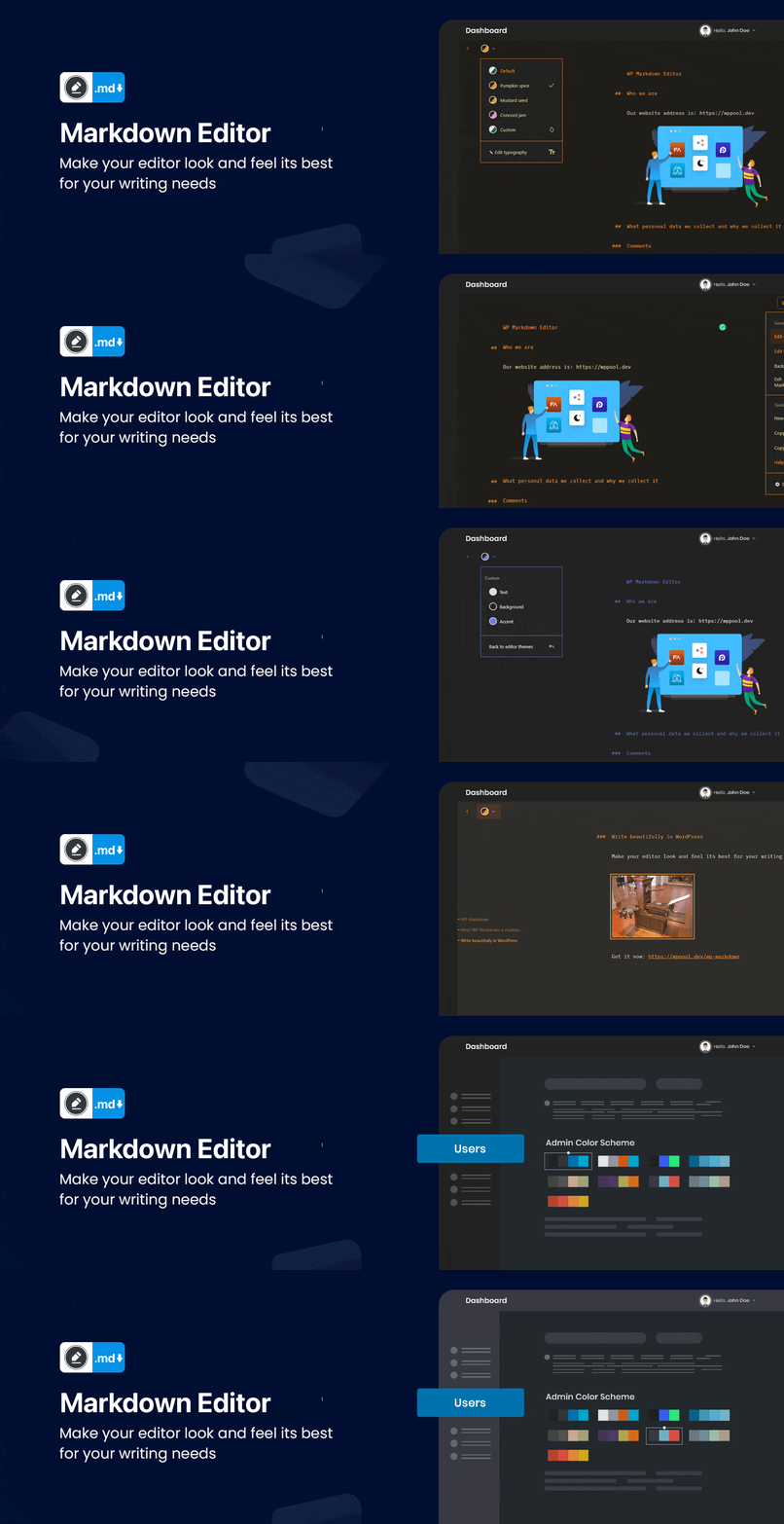

Markdown Editor
Markdown Editor (Formerly Dark Mode)
by azizultex · WordPress.org page · Website
Markdown Editor has 1,000+ active installs on WordPress.org and 118,100 downloads all time. We have tracked it since September 4, 2026; download trends appear after 30 days of data. The last update was on December 9, 2025, tested up to WordPress 6.9.7.
Markdown Editor at a glance
Is Markdown Editor well maintained?
Features
The feature list from the plugin's own readme on WordPress.org, trimmed to the essentials.
- Typography Settings – You can change the typography of your editor screen, using four different fonts, and controls for font size, line height, line width, and…
- Ready-made Color Schema – Quickly choose your favourite color from the ready-made color schema available in Markdown. Highlight and edit your content the way…
- Syntax Shortcuts – A Markdown cheat sheet is available for you which shows other keyboard shortcuts for heading, formatting and the interface
- Emoji Supported – You can make your content more interactive and attractive with emojis. Markdown Editor supports all types of emojis in your write up
- Custom Colors – You can customize the background text and color as you want with the custom color feature of our Markdown Editor. Pick the color schema of your…
- Makes it easy and fast – formatting in WordPress without thinking about the blocks
- Dark Mode Switch – You can toggle between the dark and light mode using the admin bar dark mode switch menu anytime
- Auto Match OS Theme – Automatically shows Darkmode if the OS preferred theme is dark
- Remember Dark Mode – The dark mode remains saved once you activated the dark mode
Markdown Editor reviews and ratings
85 reviews on WordPress.org, with the most recent ones as their authors posted them.
85 reviews
- 5★
-
45
- 4★
-
3
- 3★
-
3
- 2★
-
2
- 1★
-
32
-
Scam
Scam - doesn't do what's advertised.
Ozh -
No markdown
I would have to agree with the other reviews/comments. No markdown.
leanderlindahl -
can't use markdown editor!!
can't use markdown editor!!
dramsuko -
Plugin doesn't deliver markdown
I believe this plugin is in violation of the WordPress terms. You can't access its main feature "markdown editor" without paying. The free version only has a dark mode/light mode toggle.
jakeparis -
Default is just dark mode plugin - Markdown is premium only.
Most misleading plugin I've ever installed. Even with the updated title of "WP Markdown Editor" the base functionality only enables a "dark mode" theme. The actual markdown editor is a premium only option. Can't believe this app is allowed on WP with this title.
remotetohome -
Nuclear bright white editor
The editor is still nuclear bright white and there is no option to switch it to a neat dark theme - even though it is stated in the description and shown in the video. Please: Fix this or state it in the first paragraph of the description. A dark theme, that is #FFF white, is really... wrong. Tested in Firefox on FreeBSD.
Michael H.
Markdown Editor alternatives
Plugins that solve the same problem, ranked by how closely they overlap with Markdown Editor.
-
 Dark Mode for WP Dashboard 3,000+ installs · 4.8
 -
 Add Admin CSS 10,000+ installs · 4.9
 -
 Slate Admin Theme 6,000+ installs · 4.7
 -
 Aquila Admin Theme 3,000+ installs · 4.4
 -
 Darklup 1,000+ installs · 4.5
Details
Quickly edit content in your WordPress site by getting an immersive, peaceful and natural writing experience with the coolest editor.
The full description, screenshots and every review live on the WordPress.org page.
Tags
- admin theme
- dark mode
- dashboard
- editor
- markdown
More from azizultex
-
 Responsive WordPress Testimonial 10+ installs
 -
 GoWishCart fewer than 10 installs
- Version
- 4.2.1
- Last updated
- Dec 9, 2025
- First published
- Oct 10, 2017
- Requires WordPress
- 6.2
- Tested up to
- 6.9.7
- Requires PHP
- 7.4
- Pricing
- Free on WordPress.org
Markdown Editor FAQ
What does Markdown Editor do?
According to its WordPress.org readme, Markdown Editor offers Typography Settings – You can change the typography of your editor screen, using four different fonts, and controls for font size, line height, line width, and, Ready-made Color Schema – Quickly choose your favourite color from the ready-made color schema available in Markdown. Highlight and edit your content the way, Syntax Shortcuts – A Markdown cheat sheet is available for you which shows other keyboard shortcuts for heading, formatting and the interface, Emoji Supported – You can make your content more interactive and attractive with emojis. Markdown Editor supports all types of emojis in your write up and Custom Colors – You can customize the background text and color as you want with the custom color feature of our Markdown Editor. Pick the color schema of your.
How many active installs does Markdown Editor have?
WordPress.org reports 1,000+ active installs for Markdown Editor as of September 7, 2026.
Is Markdown Editor still maintained?
Yes. The last release was on December 9, 2025 and it is tested up to WordPress 6.9.7.
Is Markdown Editor free?
Markdown Editor is free to install from WordPress.org. Many plugins also sell a paid version or add-ons.