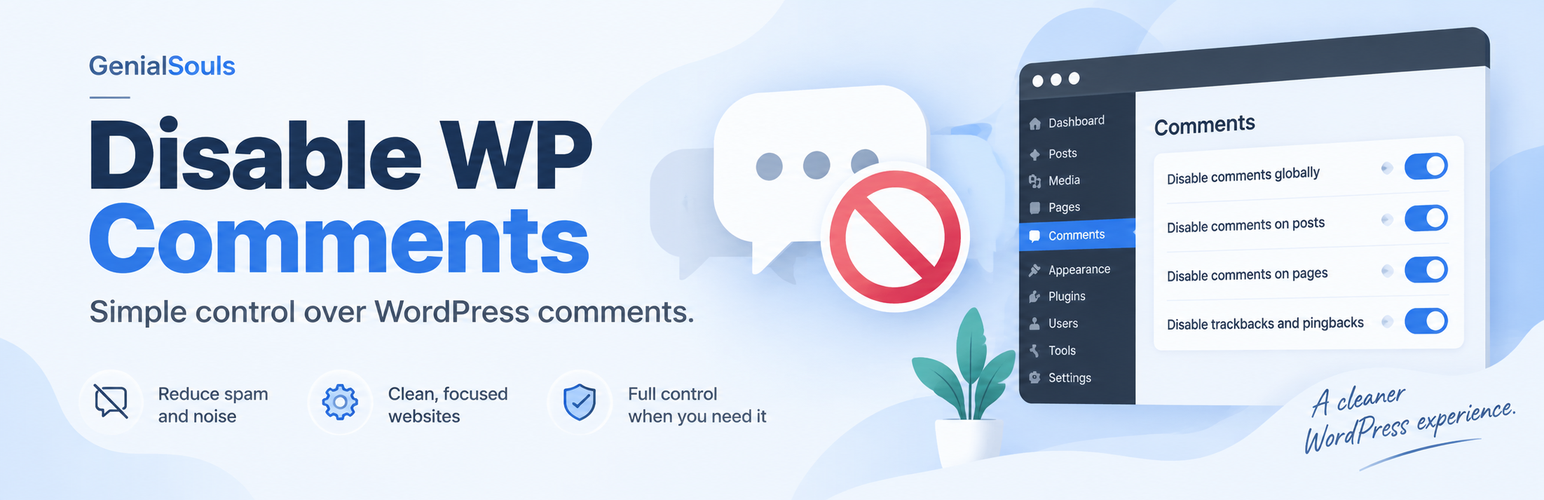

Disable WP Comments — WordPress Comment Plugin
by GenialSouls · WordPress.org page · Website
Disable WP Comments has 100+ active installs on WordPress.org and 3,550 downloads all time. We have tracked it since September 24, 2026; download trends appear after 30 days of data. The last update was on September 21, 2026, tested up to WordPress 7.1.3.
Disable WP Comments at a glance
Is Disable WP Comments well maintained?
Features
The feature list from the plugin's own readme on WordPress.org, trimmed to the essentials.
- Show keeps normal WordPress comment behavior
- Hide suppresses comment presentation while leaving comments open
- Close prevents new comments while preserving existing comments
Download and install history
216 downloads over the last 28 days. Snapshots taken daily from WordPress.org.
Details
Control how native WordPress comments are displayed and whether new comments can be submitted.
The full description, screenshots and every review live on the WordPress.org page.
Rankings Disable WP Comments competes in
Tags
- close
- comments
- disable
- hide
- show
More from GenialSouls
-
 Genial Social Comments 4,000+ installs
 -
 Genial Blocks fewer than 10 installs
 -
 Genial Widgets fewer than 10 installs
- Version
- 1.2.0
- Last updated
- Sep 21, 2026
- First published
- Dec 12, 2019
- Requires WordPress
- 5.0
- Tested up to
- 7.1.3
- Requires PHP
- 5.4
- Pricing
- Free on WordPress.org
Disable WP Comments FAQ
What does Disable WP Comments do?
According to its WordPress.org readme, Disable WP Comments offers Show keeps normal WordPress comment behavior, Hide suppresses comment presentation while leaving comments open and Close prevents new comments while preserving existing comments.
How many active installs does Disable WP Comments have?
WordPress.org reports 100+ active installs for Disable WP Comments as of October 22, 2026.
Is Disable WP Comments still maintained?
Yes. The last release was on September 21, 2026 and it is tested up to WordPress 7.1.3.
Is Disable WP Comments free?
Disable WP Comments is free to install from WordPress.org. Many plugins also sell a paid version or add-ons.