Interactive Image Map Builder
by Mehjabin Orthi · WordPress.org page · Website
Interactive Image Map Builder has 1,000+ active installs on WordPress.org and 20,380 downloads all time. We have tracked it since September 4, 2026; download trends appear after 30 days of data. The last update was on July 1, 2026, tested up to WordPress 7.0.4.
Interactive Image Map Builder at a glance
Is Interactive Image Map Builder well maintained?
Features
The feature list from the plugin's own readme on WordPress.org, trimmed to the essentials.
- Uploading the photograph is the first thing you need to do. It could be a product, a map, or any form of image, for example. You can mark or select the desired…
- Now that you have the region you want to be precise, you need to style it with things like color, border color, size, box-shadow options, etc. To annotate or…
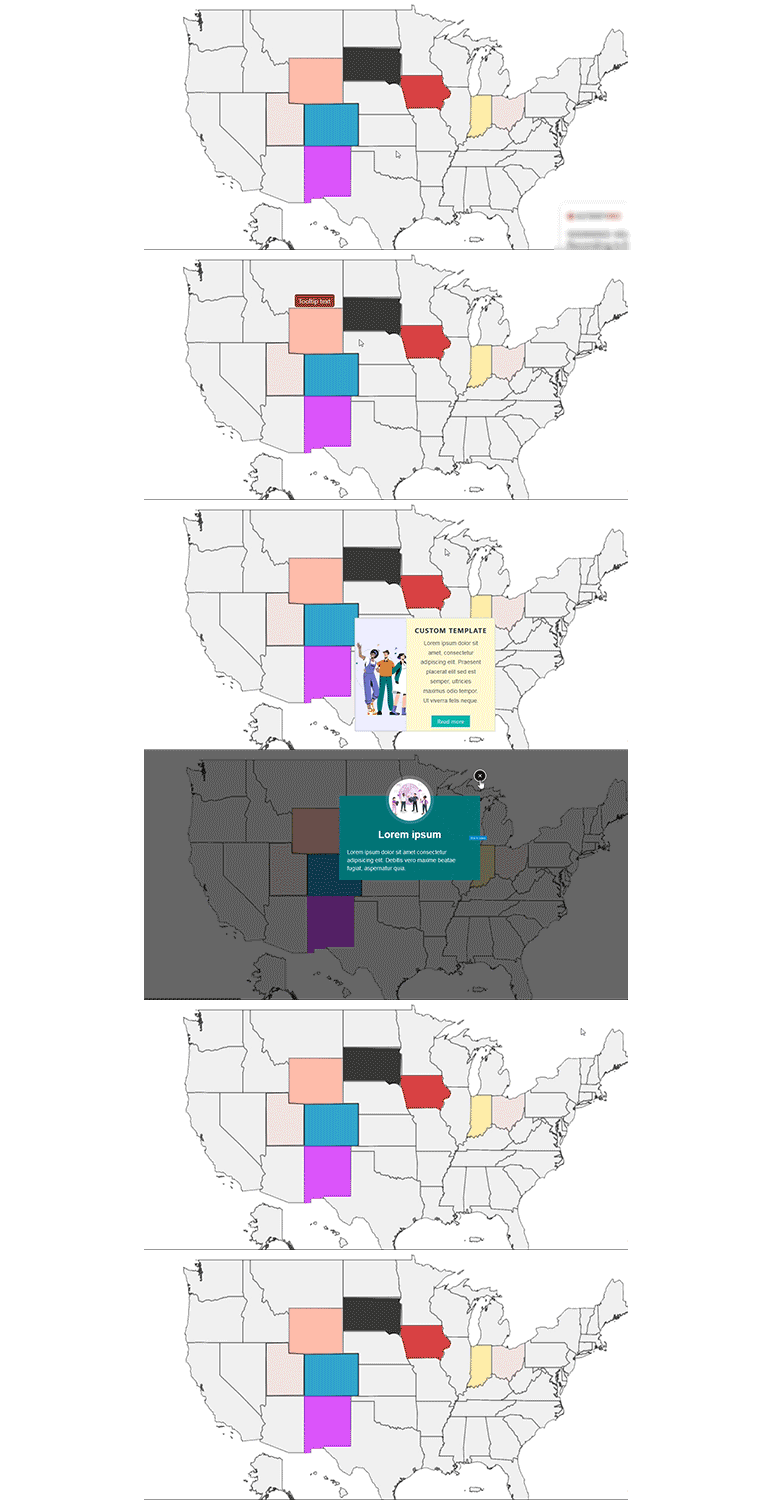
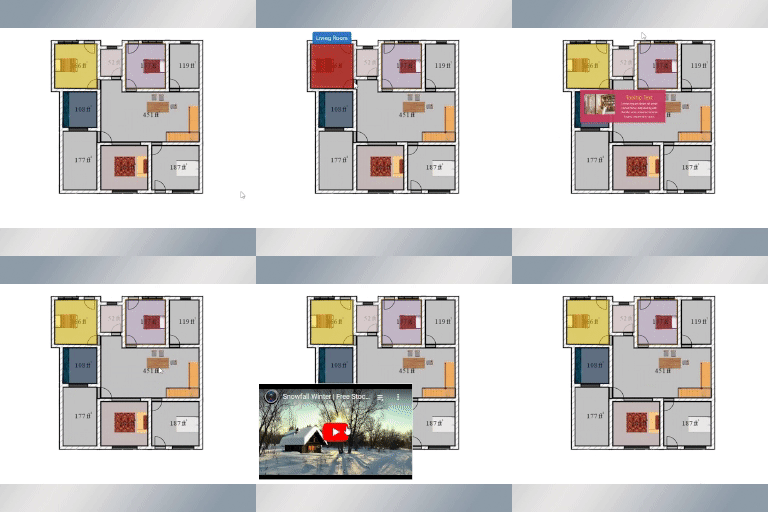
- The content section is the next section of modification. You may find information about the various content view options under the content section. Tooltips…
- You can use our pre-built templates or a custom template from one of the many custom template collections in the tooltip and modal content
- After choosing a template, you will see two options: “Add picture” where you can upload or add more in-depth photographs, and “Title” where the title of the…
- Custom code may also be utilized in addition to templates by being styled in the manner that you like. You must write or paste our HTML code in the HTML area…
Interactive Image Map Builder reviews and ratings
17 reviews on WordPress.org, with the most recent ones as their authors posted them.
17 reviews
- 5★
-
17
- 4★
-
0
- 3★
-
0
- 2★
-
0
- 1★
-
0
-
Excellent
Excellent plugin. Improvements for me would be - The ability to create and save my own default settings. It's a bit of a pain, after creating hotspots, to change colours and other settings in each one individually to my preferences.Standard shapes like squares, rectangles and circles without having to create each one from scratch.And connected to above, the ability to copy and paste hotspots.Otherwise - fantastic plugin and exactly what I wanted for my family tree website and at a very reasonable price!
foosty -
Excellent plugin – functional and well-supported
This plugin has been extremely useful for our website. It’s practical, intuitive, and makes it easy to load interactive maps efficiently. The technical support has also been outstanding, with quick and helpful responses. I 100% recommend it for any project that requires interactive maps.
jairorico88 -
Really nice plugin, made by pros
I just bought the plugin and I'm amaze of the possibility, yet I got it and the creator of the tool is already making updates to have the tool even more practical. Thanks from my team, it's a game changer!
trixelweb -
great plugin
This the second time a purchase the pro version. It is working great on my previous website! now the second one! just love it
cdvcdv -
muhteşem
muhteşem bir eklenti
btura -
Interactive Image Map Builder
Its really awesome and I just love it.
farhad2492
Details
Clickable hotspots can be easily created with this plugin. A great way to display image maps, floor plans, and more.
The full description, screenshots and every review live on the WordPress.org page.
Tags
- draw floor plan
- image canvas
- image labeling tool
- interactive image map
- interactive image map builder
- Version
- 3.2
- Last updated
- Jul 1, 2026
- First published
- Jan 25, 2023
- Requires WordPress
- 6.0
- Tested up to
- 7.0.4
- Requires PHP
- 7.0
- Pricing
- Free on WordPress.org
Interactive Image Map Builder FAQ
What does Interactive Image Map Builder do?
According to its WordPress.org readme, Interactive Image Map Builder offers Uploading the photograph is the first thing you need to do. It could be a product, a map, or any form of image, for example. You can mark or select the desired, Now that you have the region you want to be precise, you need to style it with things like color, border color, size, box-shadow options, etc. To annotate or, The content section is the next section of modification. You may find information about the various content view options under the content section. Tooltips, You can use our pre-built templates or a custom template from one of the many custom template collections in the tooltip and modal content and After choosing a template, you will see two options: “Add picture” where you can upload or add more in-depth photographs, and “Title” where the title of the.
How many active installs does Interactive Image Map Builder have?
WordPress.org reports 1,000+ active installs for Interactive Image Map Builder as of September 7, 2026.
Is Interactive Image Map Builder still maintained?
Yes. The last release was on July 1, 2026 and it is tested up to WordPress 7.0.4.
Is Interactive Image Map Builder free?
Interactive Image Map Builder is free to install from WordPress.org. Many plugins also sell a paid version or add-ons.