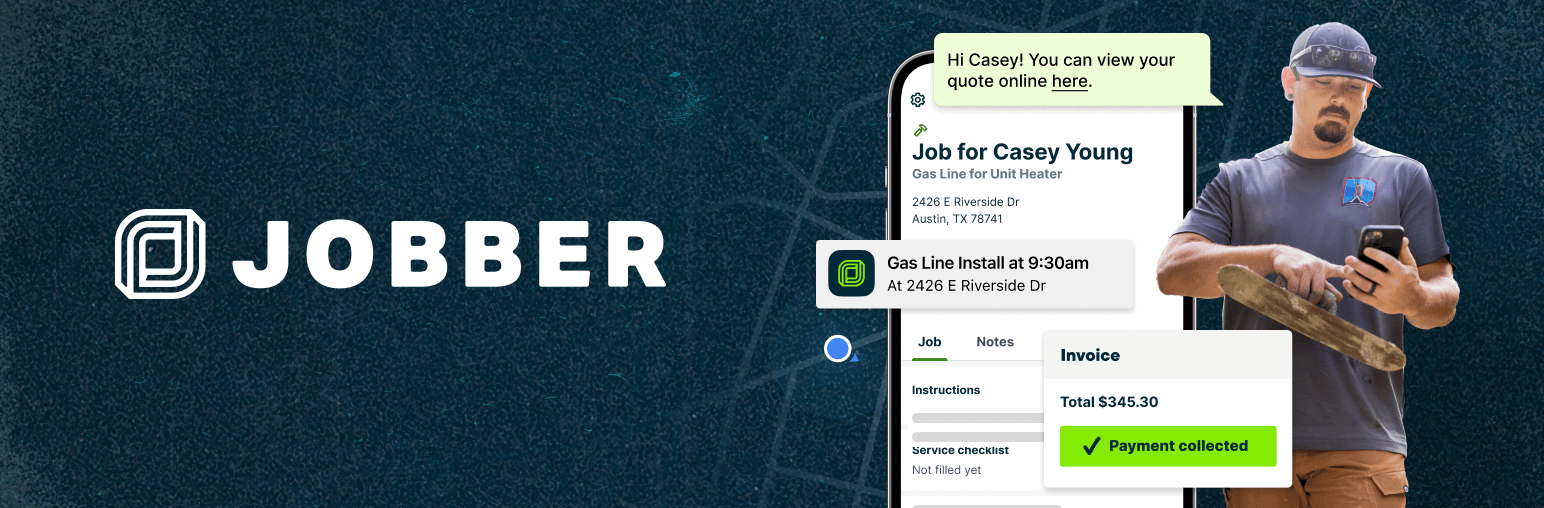

Jobber — WordPress Booking Plugin
by Jobber · WordPress.org page · Website
Jobber has 1,000+ active installs on WordPress.org and 3,982 downloads all time. We have tracked it since September 4, 2026; download trends appear after 30 days of data. The last update was on July 30, 2025, tested up to WordPress 6.8.8.
Jobber at a glance
Is Jobber well maintained?
Features
The feature list from the plugin's own readme on WordPress.org, trimmed to the essentials.
- Upload the plugin files to the /wp-content/plugins/ directory, or install the plugin through the WordPress plugin screen directly
- Activate the plugin through the ‘Plugins’ screen in WordPress
- Go to the Jobber settings page in your WordPress dashboard
- Connect your Jobber account to your site
- Insert the Jobber block into any page or post, selecting the form type you want to use: Booking or Request
Where Jobber ranks on WordPress.org
The rankings we track that Jobber appears in, and how its position changed over 30 days.
| Ranking | WordPress.org placement | Position | 30 days |
|---|---|---|---|
| Best Booking Plugins | #52 by tag, not in search | #85 | – |
Jobber alternatives
Plugins that solve the same problem, ranked by how closely they overlap with Jobber.
-
 Easy Booking 4,000+ installs · 4.7
 -
 Easy Appointments 10,000+ installs · 4.3
 -
 Booking Activities 3,000+ installs · 5.0
 -
 WP Hotelier 2,000+ installs · 4.7
 -
 Appointment Hour Booking 10,000+ installs · 4.9
Details
Embed Jobber's powerful online booking and request forms directly into your WordPress site.
The full description, screenshots and every review live on the WordPress.org page.
Rankings Jobber competes in
Tags
- booking
- form
- jobber
- request
- Version
- 1.0.0
- Last updated
- Jul 30, 2025
- First published
- Jun 12, 2025
- Requires WordPress
- 6.6
- Tested up to
- 6.8.8
- Requires PHP
- 7.4
- Pricing
- Free on WordPress.org
Jobber FAQ
What does Jobber do?
According to its WordPress.org readme, Jobber offers Upload the plugin files to the /wp-content/plugins/ directory, or install the plugin through the WordPress plugin screen directly, Activate the plugin through the ‘Plugins’ screen in WordPress, Go to the Jobber settings page in your WordPress dashboard, Connect your Jobber account to your site and Insert the Jobber block into any page or post, selecting the form type you want to use: Booking or Request.
How many active installs does Jobber have?
WordPress.org reports 1,000+ active installs for Jobber as of September 7, 2026.
Is Jobber still maintained?
The last release was on July 30, 2025, more than a year ago. WordPress.org shows a warning on plugins that go this long without an update.
Is Jobber free?
Jobber is free to install from WordPress.org. Many plugins also sell a paid version or add-ons.
Where does Jobber rank among Booking Plugins?
Jobber is #85 in the WordPress.org Booking Plugins ranking.