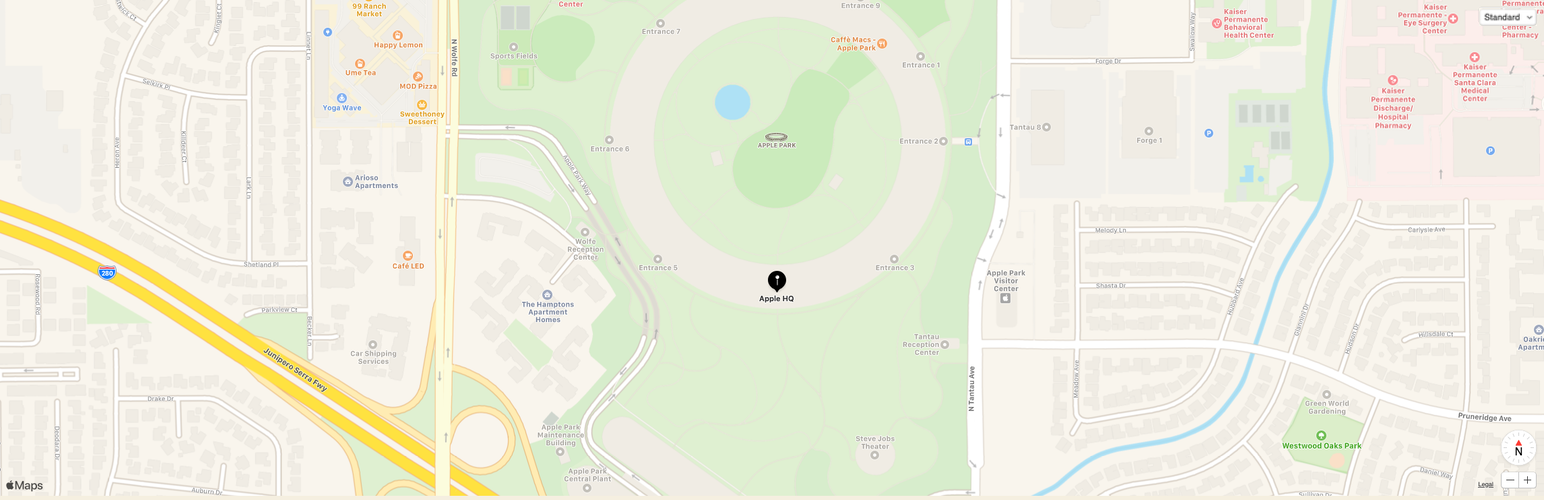

Block for Apple Maps
by 10up · WordPress.org page · Website
Block for Apple Maps has 1,000+ active installs on WordPress.org and 34,108 downloads all time. We have tracked it since September 4, 2026; download trends appear after 30 days of data. The last update was on May 12, 2026, tested up to WordPress 7.0.4.
Block for Apple Maps at a glance
Is Block for Apple Maps well maintained?
Features
The feature list from the plugin's own readme on WordPress.org, trimmed to the essentials.
- Create a Maps ID and a MapKit JS Private Key
- Copy the Private Key, paste it into the respective plugin setup field, and ensure the key includes the -----BEGIN PRIVATE KEY----- and -----END PRIVATE…
- Open the Key you created in Step 1, copy the Key ID value, and paste it into the respective plugin setup field
- Open the Identifier you created in Step 1, copy the App ID Prefix value (notice the value is appended with (Team ID)), and paste it into the respective plugin…
- Click the Confirm MapKit Credentials button in the plugin setup to gain access to the block options and begin customizing your Apple Maps block!
Block for Apple Maps reviews and ratings
2 reviews on WordPress.org, with the most recent ones as their authors posted them.
2 reviews
- 5★
-
2
- 4★
-
0
- 3★
-
0
- 2★
-
0
- 1★
-
0
-
Clear Recommendation
This plugin is awesome and exactly what I wanted to see. Setup is very easy. There's a bug though: While setting up the Gutenberg block, error messages keep appearing on the bottom left of the screen. I'd like to have an option to display the map in dark mode. I know MapKit JS offers that.
Anselm -
Works Like it Should!
I have been using several different map plugins for my Wordpress site. All have had issues. I don't want to use Google Maps, and the other plugins related to open maps I have looked at have limitations related to geolookups (particularly non-english locations) and marker placement. Having an easy way to embed Apple Maps on my Wordpress site is very helpful. Also like that I can place multiple markers on a map.
aircmdr
Block for Apple Maps alternatives
Plugins that solve the same problem, ranked by how closely they overlap with Block for Apple Maps.
-
 Map Block for Google Maps 20,000+ installs · 4.6
 -
 WP Map Block 20,000+ installs · 4.0
 -
 YASR 10,000+ installs · 4.7
 -
 Meow Gallery 10,000+ installs · 4.9
 -
 Accordion Blocks 10,000+ installs · 5.0
Details
An Apple Maps block for the WordPress block editor (Gutenberg).
The full description, screenshots and every review live on the WordPress.org page.
Tags
- apple maps
- block
- map block
More from 10up
-
 Safe SVG 1 million+ installs
 -
 Simple Page Ordering 100,000+ installs
 -
 Ads.txt Manager 100,000+ installs
 -
 Simple Local Avatars 100,000+ installs
- Version
- 1.1.5
- Last updated
- May 12, 2026
- First published
- Jun 26, 2020
- Requires WordPress
- 6.6
- Tested up to
- 7.0.4
- Requires PHP
- 7.4
- Pricing
- Free, community plugin
Block for Apple Maps FAQ
What does Block for Apple Maps do?
According to its WordPress.org readme, Block for Apple Maps offers Create a Maps ID and a MapKit JS Private Key, Copy the Private Key, paste it into the respective plugin setup field, and ensure the key includes the -----BEGIN PRIVATE KEY----- and -----END PRIVATE, Open the Key you created in Step 1, copy the Key ID value, and paste it into the respective plugin setup field, Open the Identifier you created in Step 1, copy the App ID Prefix value (notice the value is appended with (Team ID)), and paste it into the respective plugin and Click the Confirm MapKit Credentials button in the plugin setup to gain access to the block options and begin customizing your Apple Maps block!.
How many active installs does Block for Apple Maps have?
WordPress.org reports 1,000+ active installs for Block for Apple Maps as of September 7, 2026.
Is Block for Apple Maps still maintained?
Yes. The last release was on May 12, 2026 and it is tested up to WordPress 7.0.4.
Is Block for Apple Maps free?
Block for Apple Maps is free and listed as a community plugin on WordPress.org, with no commercial upgrade.