My Wp Brand
My Wp Brand – Hide menu & Hide Plugin
by imw3 · WordPress.org page · Website
My Wp Brand has 2,000+ active installs on WordPress.org and 16,602 downloads all time. We have tracked it since September 4, 2026; download trends appear after 30 days of data. The last update was on September 2, 2026, tested up to WordPress 7.1.
My Wp Brand at a glance
Is My Wp Brand well maintained?
Features
The feature list from the plugin's own readme on WordPress.org, trimmed to the essentials.
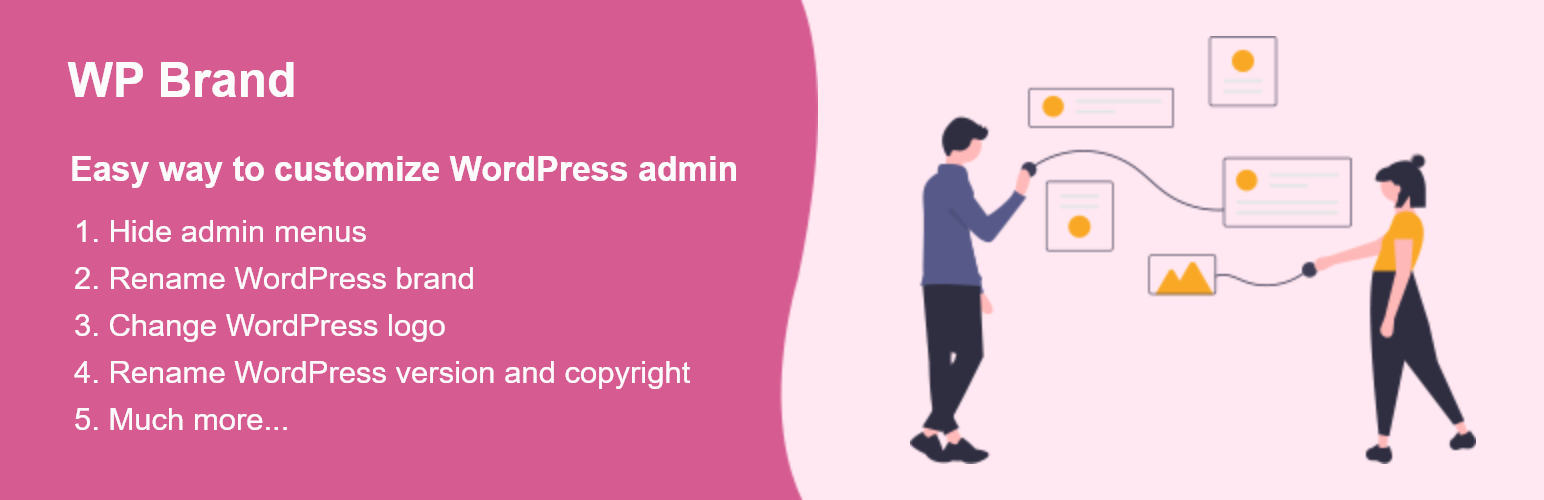
- HIDE ADMIN MENU AND ADMIN BAR You can hide the items in the admin menu and admin bar
- HIDE ADMIN MENU ITEMS FOR SPECIFIC USERS If you have multiple users on your website, you will sometimes need certain people to have specific permissions. It is…
- Hide Plugin You can hide all the plugins or particular plugins from the plugin page
- HIDE WORDPRESS VERSION You can easily hide WordPress version by one click
- REBRAND (NAME, LOGO, WELCOME MESSAGE) You can easily rename the WordPress into your brand name
My Wp Brand reviews and ratings
4 reviews on WordPress.org, with the most recent ones as their authors posted them.
4 reviews
- 5★
-
3
- 4★
-
0
- 3★
-
0
- 2★
-
0
- 1★
-
1
-
A dangerous plugin
I found my website got hijacked and the hijackers used this plugin to not only infect my side and put in harmful code but also to hide it. Why the low rating? I believe this plugin is made for just this purpose because it can hide itself from the plugin list and hide in other injection plugins. I had to go through FTP to remove it. Only security plugins should be this persistent. Disgusting.
djnativus -
Plugin cool
nice plugin
elpidio102023 -
Hide Plugin
good, easy to use and works well
maoelana -
Worked for Us
Even though it had low installations, we took a chance on it and so far it is working. Super simple set up and the changes show up instantly.Wp 6.2.2 and PHP 8+. We are using it in conjunction with Members by memberpress to create custom user roles and this plugin to hide certain plugins from those users.
oakspring
My Wp Brand alternatives
Plugins that solve the same problem, ranked by how closely they overlap with My Wp Brand.
-
 Wider Admin Menu 2,000+ installs · 4.7
Details
This plugin gives the facility for hiding and showing plugins and the admin menu, it also gives the options to customize WordPress branding.
The full description, screenshots and every review live on the WordPress.org page.
Tags
- admin menu
- change logo
- hide menu
- Hide Plugin
- hide version
- Version
- 1.1.5
- Last updated
- Sep 2, 2026
- First published
- Feb 10, 2022
- Requires WordPress
- 7.0
- Tested up to
- 7.1
- Requires PHP
- 7.4
- Pricing
- Free on WordPress.org
My Wp Brand FAQ
What does My Wp Brand do?
According to its WordPress.org readme, My Wp Brand offers HIDE ADMIN MENU AND ADMIN BAR You can hide the items in the admin menu and admin bar, HIDE ADMIN MENU ITEMS FOR SPECIFIC USERS If you have multiple users on your website, you will sometimes need certain people to have specific permissions. It is, Hide Plugin You can hide all the plugins or particular plugins from the plugin page, HIDE WORDPRESS VERSION You can easily hide WordPress version by one click and REBRAND (NAME, LOGO, WELCOME MESSAGE) You can easily rename the WordPress into your brand name.
How many active installs does My Wp Brand have?
WordPress.org reports 2,000+ active installs for My Wp Brand as of September 7, 2026.
Is My Wp Brand still maintained?
Yes. The last release was on September 2, 2026 and it is tested up to WordPress 7.1.
Is My Wp Brand free?
My Wp Brand is free to install from WordPress.org. Many plugins also sell a paid version or add-ons.