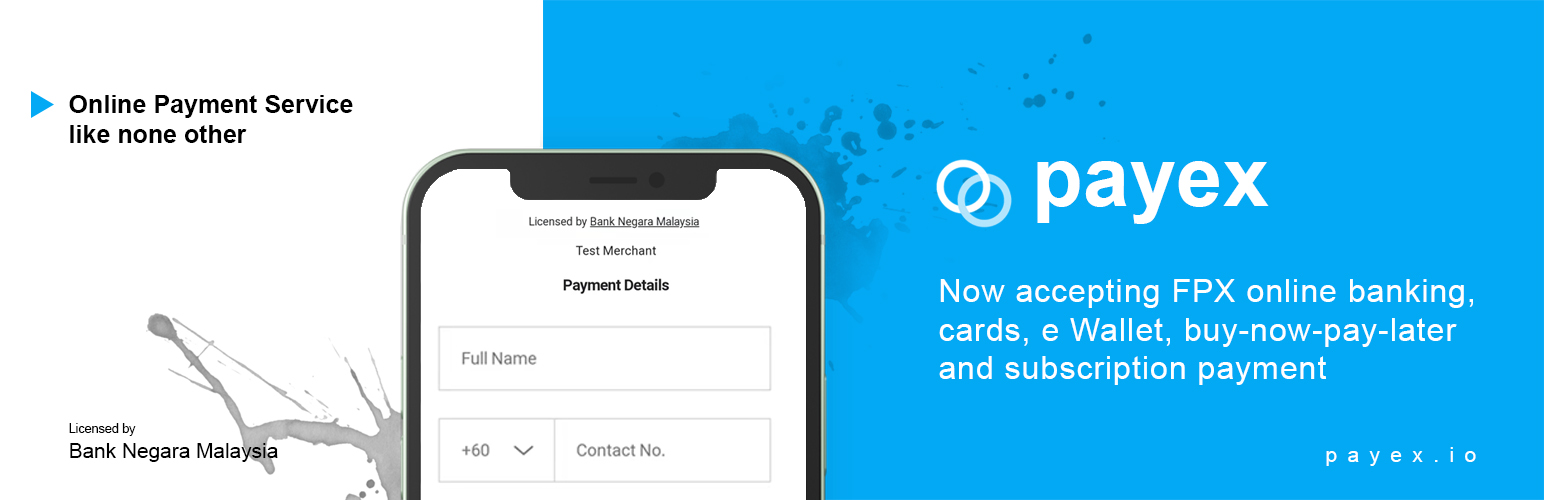

Payex Payment Gateway for Woocommerce — WordPress Payment Gateway Plugin
by payexplt · WordPress.org page · Website
Payex Payment Gateway for Woocommerce has 300+ active installs on WordPress.org and 8,175 downloads all time. We have tracked it since September 4, 2026; download trends appear after 30 days of data. The last update was on February 10, 2025.
Payex Payment Gateway for Woocommerce at a glance
Is Payex Payment Gateway for Woocommerce well maintained?
Features
The feature list from the plugin's own readme on WordPress.org, trimmed to the essentials.
- Apply for a seller account at https://payex.io/ and your account will be processed within 1 business day
- Once your account is set up successfully, login to portal.payex.io and click on Setting on the left panel. Locate Secret
- Once done, go to: WooCommerce > Settings > Payments > Enable Payex gateway
- Click on “Manage” once you have enabled Payex, enter your username with Payex (your registered email) and Secret
- Save changes
Payex Payment Gateway for Woocommerce reviews and ratings
2 reviews on WordPress.org, with the most recent ones as their authors posted them.
2 reviews
- 5★
-
1
- 4★
-
0
- 3★
-
0
- 2★
-
0
- 1★
-
1
-
Fast respond, great support!
Easy integration with Payex.io plugin. Fast respond from technical team! Keep it up
MK Chan -
Plugin is broken and support is bad
The plugin is not sending messages to WooCommerce so every order that has made through Payex has become 'Cancelled' even though the money has already been deducted to the customer's account. Contacted support but it's been almost a week still nobody reply.
kbxian
Details
With Payex, you can now accept payments from Malaysia & oversea customers via FPX, Cards (Visa/MC/UnionPay), EWallets, Instalments and Subscriptio …
The full description, screenshots and every review live on the WordPress.org page.
Rankings Payex Payment Gateway for Woocommerce competes in
Tags
- fpx
- online banking
- payex
- payment
- payment gateway
- Version
- 1.2.10
- Last updated
- Feb 10, 2025
- First published
- Aug 29, 2020
- Requires WordPress
- 4.7
- Tested up to
- –
- Requires PHP
- 7.0
- Pricing
- Free on WordPress.org
Payex Payment Gateway for Woocommerce FAQ
What does Payex Payment Gateway for Woocommerce do?
According to its WordPress.org readme, Payex Payment Gateway for Woocommerce offers Apply for a seller account at https://payex.io/ and your account will be processed within 1 business day, Once your account is set up successfully, login to portal.payex.io and click on Setting on the left panel. Locate Secret, Once done, go to: WooCommerce > Settings > Payments > Enable Payex gateway, Click on “Manage” once you have enabled Payex, enter your username with Payex (your registered email) and Secret and Save changes.
How many active installs does Payex Payment Gateway for Woocommerce have?
WordPress.org reports 300+ active installs for Payex Payment Gateway for Woocommerce as of September 7, 2026.
Is Payex Payment Gateway for Woocommerce still maintained?
The last release was on February 10, 2025, more than a year ago. WordPress.org shows a warning on plugins that go this long without an update.
Is Payex Payment Gateway for Woocommerce free?
Payex Payment Gateway for Woocommerce is free to install from WordPress.org. Many plugins also sell a paid version or add-ons.