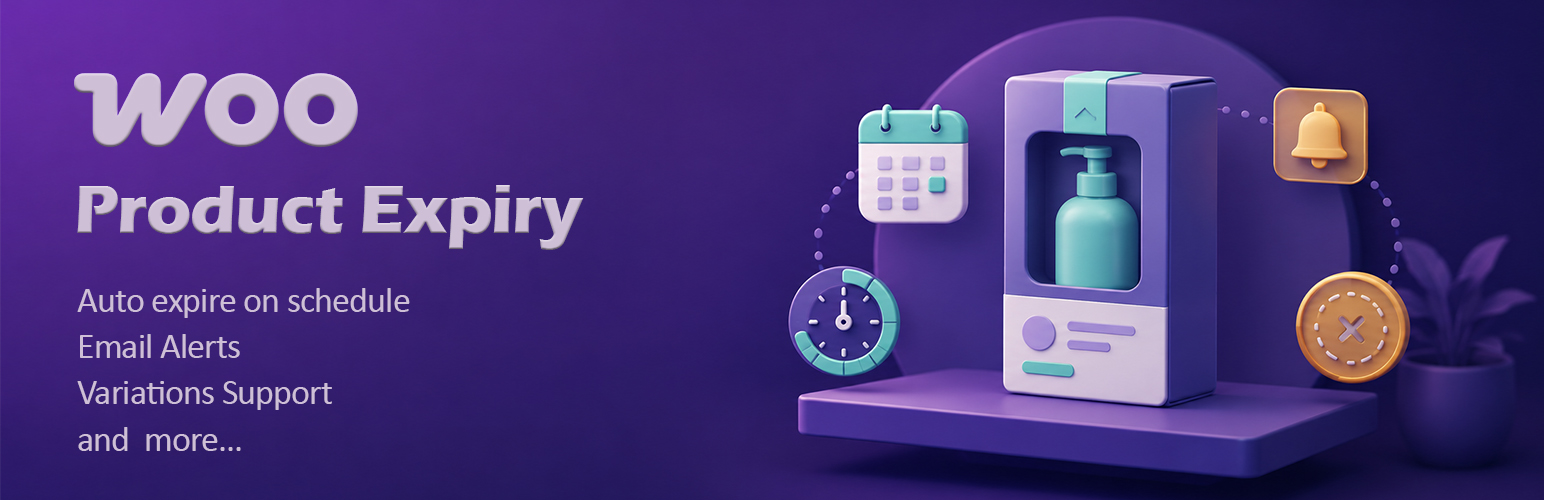

Product Expiry for WooCommerce — WordPress Countdown Timer Plugin
by WebCodingPlace · WordPress.org page · Website
Product Expiry for WooCommerce has 1,000+ active installs on WordPress.org and 28,596 downloads all time. It was downloaded 601 times in the last 30 days. The last update was on August 20, 2026, tested up to WordPress 7.1.3.
Product Expiry for WooCommerce at a glance
Is Product Expiry for WooCommerce well maintained?
Features
The feature list from the plugin's own readme on WordPress.org, trimmed to the essentials.
- Exact expiry time in hours and minutes, not just the date, so you can expire a flash sale at 6:00 PM sharp
- Live countdown timer on product pages, and optionally archives, in three styles (blocks, badge, or minimal) with an urgency threshold and optional seconds
- Customer reminder emails that tell buyers when something they purchased is about to expire, sent as one branded email per order and deduped so nobody gets…
- Admin reminder emails that summarize everything expiring in the next few days
- Auto discount before expiry that puts products on sale a set number of days out, by percentage or fixed amount, and restores the original price automatically…
- Batch and lot tracking with quantity, supplier, and lot number per batch, listed earliest expiry first, plus a recall lookup that finds orders containing a…
- CSV bulk tools to export every product with its expiry data, edit in a spreadsheet, and re import to update thousands of products at once
- Premium dashboard that monitors every expiring product with status and date range filters
- Inline plugin updates from your WordPress admin
Product Expiry for WooCommerce reviews and ratings
13 reviews on WordPress.org, with the most recent ones as their authors posted them.
13 reviews
- 5★
-
10
- 4★
-
1
- 3★
-
1
- 2★
-
0
- 1★
-
1
-
Essential Tool for Perishable Inventory!
This is an excellent tool for anyone managing perishable stock or time-limited offers in WooCommerce. The automation for switching products to draft or out-of-stock saves a massive amount of manual work.
Tanzir -
Doesn't Work & Confusing UX
Nothing works as expected. There seem to be weird caching issues, there isn't any option to set an expiration time that I have been able to find, very little explanation for the setting fields (and they are not intuitive), the product-level settings don't seem to take at all for variable products (other than the message, which you cannot edit the styling and it gets lost in all of the other text on the page - nothing about it stands out), the way the settings are edited for the individual variations is different than that of the full product settings, and there's no indication of hierarchy for those settings (example, if different expiration information is set at product and variation levels, there is no way to know which the system will recognize as priority).I have been testing the plugin over the last two days to see if it would work for a client and trying to test to figure out how the plugin determined the actual moment of expiration (since, as I mentioned above, there is no option to set a time, contrary to what is claimed in the description) - no indication as to whether it be at 11:59pm on the date set as the expiration date, 12am the next day, or some arbitrary point in time. And there is no indication as to how it was determining/calculating date and time - the website's timezone settings or something else? As I was testing and changing dates, it seemed to confuse the plugin and now it won't update at all. It keeps saying out of stock even though I have tried updating it with today's date and tomorrow's. Nothing seems to work. Frustrating plugin that seems to have more bugs than I want to deal with - not trustworthy in functionality enough to add to my clients' sites. What I tried while troubleshooting: Cleared browser cache Cleared site cache Closed product browser tab completely and re-opened Removed all product-level settings and set only variation None of these seemed to resolve the situation. Just glad it was free.
mmelt -
Very good Plugin!
It's a very good plugin, we can use it to provide important information to customers.
szanyolaszlo -
multiple data per product
Very good plugin. I would think it would be good if you could enter multiple data per product. for example product x 01/01/23 40 pieces and another 20 pieces with date 03/01/23 Thanks
defjam2oo1 -
Send an email to the customer
HelloIs there a way to send an email to buyers of a product when it’s close to expiration? Or if not, can you add this item in the next update?
baniaweb -
Easy to use
Although I still need some help with setting out of stock after the expire-day.
Zookeeper
Download and install history
1,009 downloads over the last 52 days. Snapshots taken daily from WordPress.org.
Where Product Expiry for WooCommerce ranks on WordPress.org
The rankings we track that Product Expiry for WooCommerce appears in, and how its position changed over 30 days.
| Ranking | WordPress.org placement | Position | 30 days |
|---|---|---|---|
| Best Countdown Timer Plugins | #13 by tag, not in search | #28 | ▲1 |
Product Expiry for WooCommerce alternatives
Plugins that solve the same problem, ranked by how closely they overlap with Product Expiry for WooCommerce.
-
 Event Countdown for The Events Calendar 3,000+ installs · 4.6
 -
 Countdown & Clock 10,000+ installs · 4.7
 -
 Bulletin 2,000+ installs · 4.6
 -
 WPC Product Timer for WooCommerce 3,000+ installs · 4.8
 -
 Advanced Product Labels for WooCommerce 10,000+ installs · 4.8
Details
Add expiry dates to WooCommerce products and variations, then auto set them out of stock, draft, or expired and email you when they expire.
The full description, screenshots and every review live on the WordPress.org page.
Rankings Product Expiry for WooCommerce competes in
Tags
- countdown
- expiration date
- expiry date
- perishable
- product expiry
More from WebCodingPlace
-
 Classic Addons 3,000+ installs
 -
 Ultimate Classified Listings 40+ installs
 -
 Simple Open Graphs 30+ installs
 -
 WebCodingPlace 10+ installs
- Version
- 3.4
- Last updated
- Aug 20, 2026
- First published
- Jun 20, 2021
- Requires WordPress
- 6.0
- Tested up to
- 7.1.3
- Requires PHP
- 7.2
- Pricing
- Free on WordPress.org
Product Expiry for WooCommerce FAQ
What does Product Expiry for WooCommerce do?
According to its WordPress.org readme, Product Expiry for WooCommerce offers Exact expiry time in hours and minutes, not just the date, so you can expire a flash sale at 6:00 PM sharp, Live countdown timer on product pages, and optionally archives, in three styles (blocks, badge, or minimal) with an urgency threshold and optional seconds, Customer reminder emails that tell buyers when something they purchased is about to expire, sent as one branded email per order and deduped so nobody gets, Admin reminder emails that summarize everything expiring in the next few days and Auto discount before expiry that puts products on sale a set number of days out, by percentage or fixed amount, and restores the original price automatically.
How many active installs does Product Expiry for WooCommerce have?
WordPress.org reports 1,000+ active installs for Product Expiry for WooCommerce as of October 26, 2026.
Is Product Expiry for WooCommerce still maintained?
Yes. The last release was on August 20, 2026 and it is tested up to WordPress 7.1.3.
Does Product Expiry for WooCommerce have good support?
On the WordPress.org forum, 0 of 1 recent support threads for Product Expiry for WooCommerce are marked resolved. That is the developer's free support; a paid version usually comes with its own channel.
Is Product Expiry for WooCommerce free?
Product Expiry for WooCommerce is free to install from WordPress.org. Many plugins also sell a paid version or add-ons.
Where does Product Expiry for WooCommerce rank among Countdown Timer Plugins?
Product Expiry for WooCommerce is #28 in the WordPress.org Countdown Timer Plugins ranking.