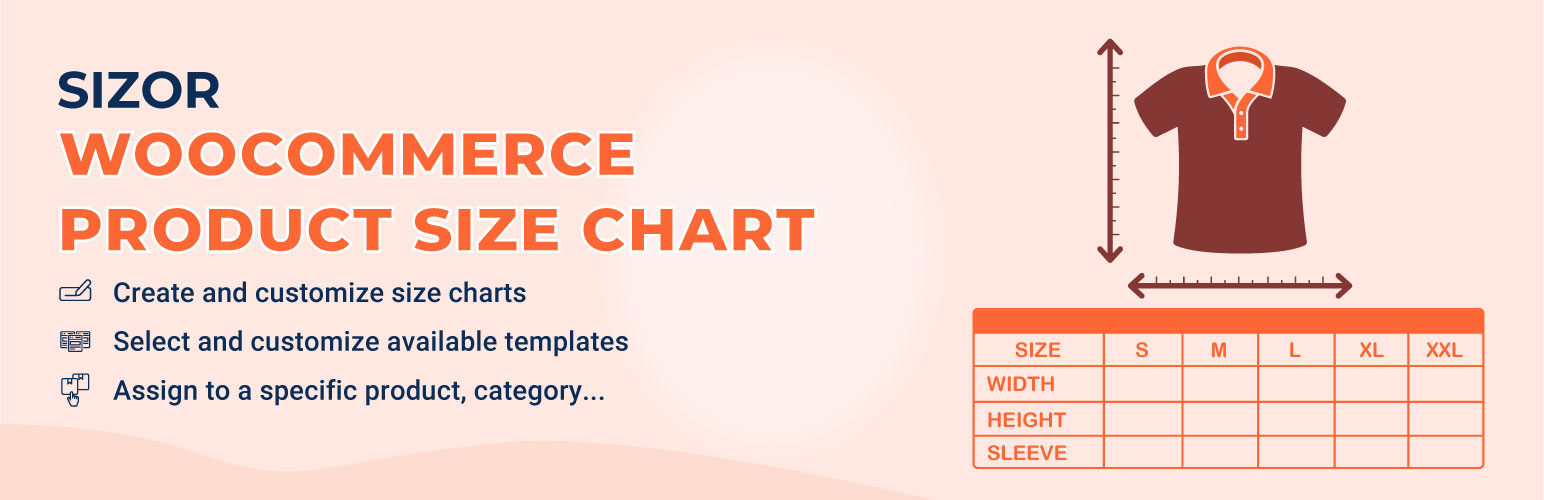

Sizor Product Size Chart For WooCommerce
by VillaTheme · WordPress.org page · Website
Sizor Product Size Chart For WooCommerce has 8,000+ active installs on WordPress.org and 105,551 downloads all time. It was downloaded 1,104 times in the last 30 days. The last update was on August 22, 2026, tested up to WordPress 7.1.3.
Sizor Product Size Chart For WooCommerce at a glance
Is Sizor Product Size Chart For WooCommerce well maintained?
Features
The feature list from the plugin's own readme on WordPress.org, trimmed to the essentials.
- Project Page
- Documentation
- Report Bugs/Issues
Sizor Product Size Chart For WooCommerce reviews and ratings
32 reviews on WordPress.org, with the most recent ones as their authors posted them.
32 reviews
- 5★
-
24
- 4★
-
1
- 3★
-
2
- 2★
-
1
- 1★
-
4
-
Did what I needed but
As an end user the formatting of the words in paragraphs around the chart was poor. I had to embed the chart in a post. But the chart-only as a button was a nice improvement to the product page. Unfortunately, it seems every time there is an update ... the size button disappears off my product details pages ... this is massively stressful as my "most sold" products requiring sizing. I have to keep contacting my developer to get fixed.
trcs -
Wordpress error on draft when go to designer
new version shows wordpress error when in draft mode and try to go to designer - after i publish sizechart it is ok
dolecc -
Latest update has wrecked the plugin!
This was a great plugin. I had set up one size chart and adjusted the popup to look great on all devices. After the latest update, the plugin is too big for mobile devices and the size controls in the back end are now a premium feature! To make matters worse, none of the upgrade links point to the correct plugin on Codecanyon, so I couldn't upgrade if I wanted to. I have reverted to the previous version of the plugin to get it working again. What now? Never update the plugin again? You guys need to rethink this.
johntosh -
New update 2.0 has absolutely ruined the plugin's ease of use!
The new update 2.0.1 has absolutely destroyed the plugin's ease of use. We had three size charts working flawlessly all this time, and now with the new update, everything has gone haywire!!! Why introduce new stuff that break everything or just makes it ever more complex?? It's harder now to create size charts by prompting us to use Customize (along with blank fields now). Just revert it back to how simple it was and keep it updated for security reasons. -_-
Aggravated Badger -
Each version gets worse
It feels like each time this plug-in is updated something either breaks or the user interface gets worse. Version 2 somehow broke all my images. After re-linking them.... the images appear to be 2x larger than they were before. I have to scale them down 40%. After scaling, they are no longer centred with the chart. The charts themselves have also gotten wider and there is no option to format the width from what I can see. User interface in general is worse and un-intuitive. You have to make more mouse clicks to open more pages just to adjust text, images or sizes. It's very slow to go from 1 chart to the next. Sometimes the Chart doesn't even load on the screen. I have to refresh several times for it to work. Overall, I find it absolutely excruciating as a whole to use this plugin. When the basic free version is this bad, why would you buy the pro?
lemko -
Do not waste your time!
Not thought through by the plugin author!! Icon does not have a tool tip, so customers do not know what the icon is. Icon does not include the text link beside it, or an option simply to have a text link only. Impossible to make the icon smaller and more professional than some clonked out blob on the page. If you use the pop up, you only have two options to place the icon, which is not mobile optimized and looks hideous far FAR right of page or far FAR left which is just useless positioning. We want: a. a simple icon with some text that goes underneath the Sizing attributes! b. that simply links to a size chart pop up. Can it be so difficult???
bexster365
Download and install history
1,736 downloads over the last 48 days. Snapshots taken daily from WordPress.org.
Sizor Product Size Chart For WooCommerce alternatives
Plugins that solve the same problem, ranked by how closely they overlap with Sizor Product Size Chart For WooCommerce.
-
 Product Size Charts Plugin for WooCommerce 9,000+ installs · 4.3
 -
 Product Size Chart for Woocommerce 600+ installs · 4.2
 -
 Extra Product Sorting Options for WooCommerce 10,000+ installs · 4.6
 -
 HUSKY 80,000+ installs · 4.6
 -
 Advanced Woo Search 70,000+ installs · 4.8
Details
WooCommerce Size Chart lets customize and design size charts for specific products or categories, enhancing customer convenience and boosting sales.
The full description, screenshots and every review live on the WordPress.org page.
Tags
- product size chart
- Product Size Chart For Woo
- Size Chart
- woocommerce
- WooCommerce Size Chart
More from VillaTheme
-
 Email Template Customizer for WooCommerce 20,000+ installs
 -
 CURCY 20,000+ installs
 -
 Bulky 10,000+ installs
 -
 Product Variations Swatches for WooCommerce 10,000+ installs
- Version
- 2.1.5
- Last updated
- Aug 22, 2026
- First published
- Jan 31, 2021
- Requires WordPress
- 5.0
- Tested up to
- 7.1.3
- Requires PHP
- 7.4
- Requires plugins
- WooCommerce
- Pricing
- Free on WordPress.org
Sizor Product Size Chart For WooCommerce FAQ
What does Sizor Product Size Chart For WooCommerce do?
According to its WordPress.org readme, Sizor Product Size Chart For WooCommerce offers Project Page, Documentation and Report Bugs/Issues.
How many active installs does Sizor Product Size Chart For WooCommerce have?
WordPress.org reports 8,000+ active installs for Sizor Product Size Chart For WooCommerce as of October 22, 2026.
Is Sizor Product Size Chart For WooCommerce still maintained?
Yes. The last release was on August 22, 2026 and it is tested up to WordPress 7.1.3.
Does Sizor Product Size Chart For WooCommerce have good support?
On the WordPress.org forum, 0 of 1 recent support threads for Sizor Product Size Chart For WooCommerce are marked resolved. That is the developer's free support; a paid version usually comes with its own channel.
Is Sizor Product Size Chart For WooCommerce free?
Sizor Product Size Chart For WooCommerce is free to install from WordPress.org. Many plugins also sell a paid version or add-ons.