Visibility Controls for Editor Blocks
by denisdoroshchuk · WordPress.org page
Visibility Controls for Editor Blocks has 900+ active installs on WordPress.org and 8,588 downloads all time. We have tracked it since September 4, 2026; download trends appear after 30 days of data. The last update was on June 19, 2026, tested up to WordPress 7.0.4.
Visibility Controls for Editor Blocks at a glance
Is Visibility Controls for Editor Blocks well maintained?
Features
The feature list from the plugin's own readme on WordPress.org, trimmed to the essentials.
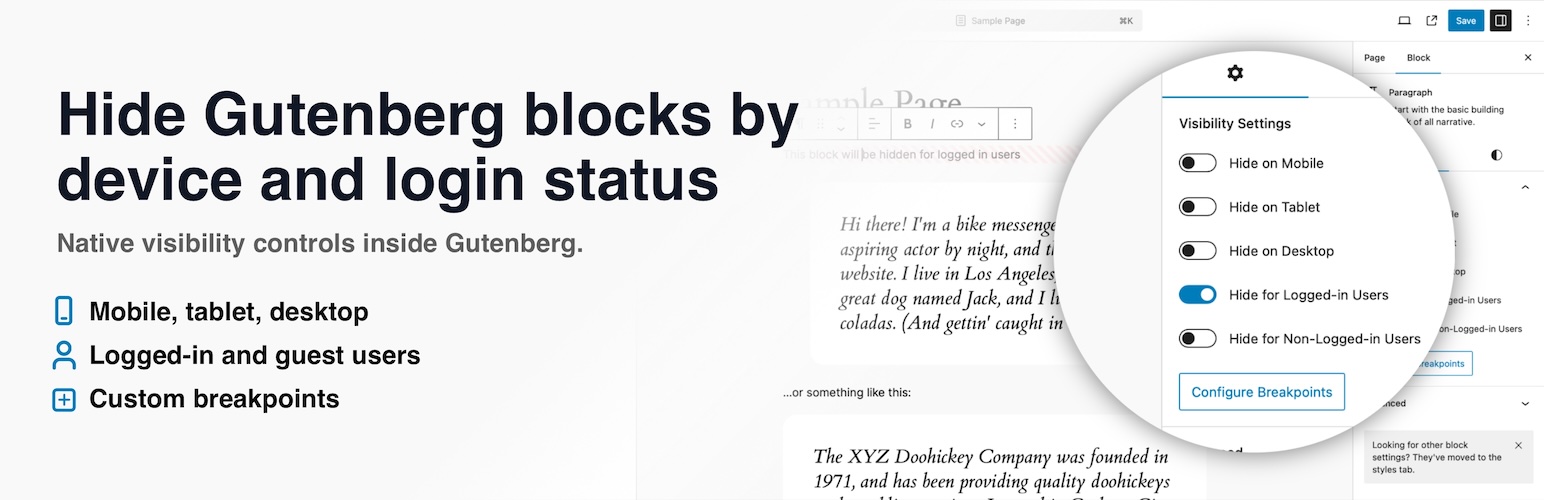
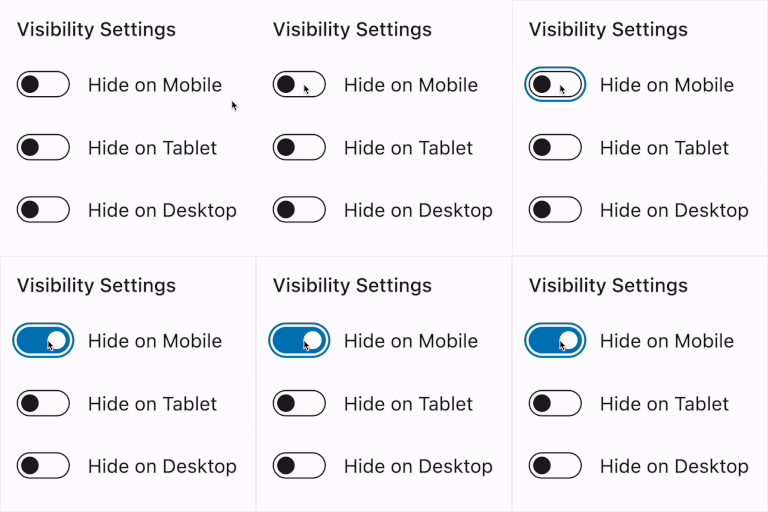
- Device visibility controls: Hide blocks on mobile, tablet, or desktop
- Login status visibility: Show or hide blocks for logged-in users or non-logged-in visitors
- Custom breakpoints: Define what counts as mobile and tablet for your own theme
- WordPress Hide block sync: Keep device visibility controls aligned with the built-in Hide block modal in WordPress 7.0 and newer
- No custom CSS needed: Manage block visibility directly from the editor sidebar
- Gutenberg integration: Visibility options appear where you already edit block settings
- Dynamic block support: Works with server-rendered blocks, block themes, and modern WordPress layouts
Visibility Controls for Editor Blocks reviews and ratings
3 reviews on WordPress.org, with the most recent ones as their authors posted them.
3 reviews
- 5★
-
3
- 4★
-
0
- 3★
-
0
- 2★
-
0
- 1★
-
0
-
Exactly the visibility control I needed
I’ve been searching for a clean and reliable way to control the visibility of individual blocks, and this plugin delivers exactly that. The interface is intuitive, the options are clearly structured, and everything works seamlessly inside the editor without adding unnecessary complexity. What I appreciate most is that the plugin stays lightweight while still giving me precise control over when and how blocks appear. It integrates naturally into my workflow and does exactly what it promises.
drradupotenz -
Finally found what I wanted
I finally found what I wanted and I really like it. Works very well as described. Thank you. I have submitted the translation for my local language.
Mhd Wahyu NZ -
Great!
Exactly what i was looking for, thanks!
Loosie94
Details
Hide Gutenberg blocks by device, custom breakpoints, and login status. Syncs with WordPress Hide block controls; Pro adds advanced rules.
The full description, screenshots and every review live on the WordPress.org page.
Tags
- block visibility
- conditional blocks
- gutenberg
- responsive blocks
- responsive design
- Version
- 1.2.8
- Last updated
- Jun 19, 2026
- First published
- Oct 1, 2024
- Requires WordPress
- 5.0
- Tested up to
- 7.0.4
- Requires PHP
- 7.4
- Pricing
- Free on WordPress.org
Visibility Controls for Editor Blocks FAQ
What does Visibility Controls for Editor Blocks do?
According to its WordPress.org readme, Visibility Controls for Editor Blocks offers Device visibility controls: Hide blocks on mobile, tablet, or desktop, Login status visibility: Show or hide blocks for logged-in users or non-logged-in visitors, Custom breakpoints: Define what counts as mobile and tablet for your own theme, WordPress Hide block sync: Keep device visibility controls aligned with the built-in Hide block modal in WordPress 7.0 and newer and No custom CSS needed: Manage block visibility directly from the editor sidebar.
How many active installs does Visibility Controls for Editor Blocks have?
WordPress.org reports 900+ active installs for Visibility Controls for Editor Blocks as of September 7, 2026.
Is Visibility Controls for Editor Blocks still maintained?
Yes. The last release was on June 19, 2026 and it is tested up to WordPress 7.0.4.
Is Visibility Controls for Editor Blocks free?
Visibility Controls for Editor Blocks is free to install from WordPress.org. Many plugins also sell a paid version or add-ons.