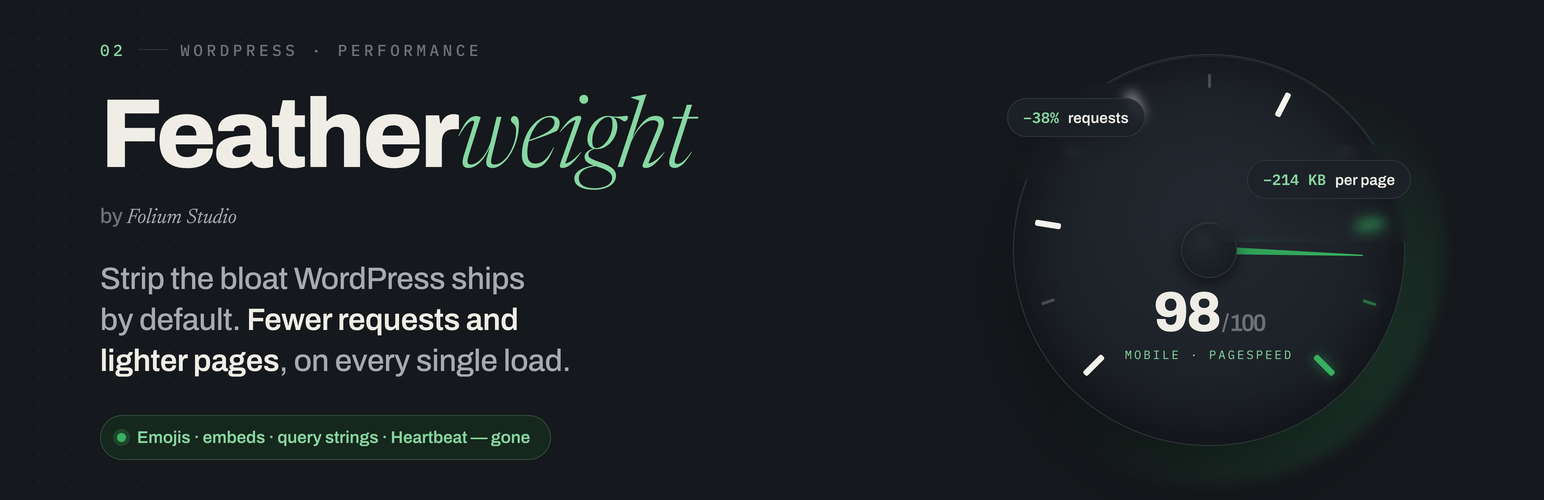

Featherweight
by jody nesbitt · WordPress.org page · Website
Featherweight has 10,000+ active installs on WordPress.org and 329,275 downloads all time. It was downloaded 1,463 times in the last 30 days. The last update was on June 13, 2026, tested up to WordPress 7.0.7.
Featherweight at a glance
Is Featherweight well maintained?
Features
The feature list from the plugin's own readme on WordPress.org, trimmed to the essentials.
- Disable emojis (removes the emoji detection script and styles)
- Remove query strings from static assets (?ver=...) for cleaner caching
- Disable oEmbeds (the auto-embed script that loads site-wide)
- Disable Gravatars
- Remove jQuery Migrate on the front end
- Combine and asynchronously load Google Fonts and Font Awesome
- Add DNS-prefetch hints for external hosts
- Remove the password-strength-meter script where it isn’t needed
- Drop Dashicons on the front end when the admin toolbar is hidden
Featherweight reviews and ratings
45 reviews on WordPress.org, with the most recent ones as their authors posted them.
45 reviews
- 5★
-
34
- 4★
-
0
- 3★
-
2
- 2★
-
0
- 1★
-
9
-
Simple and does a great job!
I use this plugin on all the sites I work on and it reduces speeds. I only wish author would update it more, because it would be a shame that such a great plugin would go to waste.
anze -
Does the job
This did a great job reducing useless requests and code for emojis, loading dashicons for non-admin users and things like that. It's a simple install and, as mentioned, it is a free and open source plugin that competes nicely with some paid plugins. If you just want to get rid of emojis, try Autoptimize (the Extra settings) or Ryan Hellyer's Disable Emojis plugin, but you're still going to have all the other stuff this gets rid of. If you want to pay money, you can match this and maybe get rid of a bit more cruft with the perfmatters Premium plugin ($25/yr). In my experience, it's pretty common for an optimization plugin to cause a 500 error. There are a lot of little things that can go wrong and if you are trying to push performance by doing things the platform (Wordpress) is not designed to do (in fact is designed NOT to do), you have to be ready for some collateral damage. In my case, this plugin worked flawlessly, but I would recommend that any plugin like this be tested on a staging platform first and then deployed to a live site.
Tom -
Great keep the good working
Hello, This is my first review, and i am doing it, because the atual ranking is unfair. The plugin should have more positive reviews and more downloads. It's a free plugin, with no adverstising. But have the same and more feature then premium or freemium plugins. Just compare it with perfmatters or clearfy (these last, don't have Woocommerce configurations, for example). Lets be fair, install and compare all.
eraumavez78 -
TERRIBLE
I usually do not post reviews unless something is extremely good or extremely bad. This one falls into the EXTREMELY BAD category. It literally took my site down with a 500 error. I had to manually go into WP, delete the plugin folder, go into my DB and deactivate all the plugins there to finally be able to get into my admin menu and start reactivating those plugins that work. If you try to do a CLI uninstall through the php script, it returns an error. STAY AWAY.
S. Dufour -
⚡ So great! Took <15m to get 2 sites to load in under 3s!
⚡ So great! Took <15m to get 2 sites to load in under 3s! It took me about 15 minutes to do for both my WP sites just now, and it works by allowing people to simply toggle on/off WordPress features they don't need. Granted, I am able to disable almost everything because I don't need many of WordPress' built-in features, but that's the point. Excellent job on this plugin folks. 🙏 Thank you and keep up the good work!
Sean Wichert, Sr. -
Be careful!
I used this plugin to optimize the speed of my website and I had an Internal Server Error and the website went down.
argyro87
Download and install history
2,281 downloads over the last 48 days. Snapshots taken daily from WordPress.org.
Featherweight alternatives
Plugins that solve the same problem, ranked by how closely they overlap with Featherweight.
-
 Delete Duplicate Posts 10,000+ installs · 4.8
 -
 DietPress 2,000+ installs · 5.0
 -
 Hosting Benchmark tool 4,000+ installs · 4.7
 -
 Flying Pages 20,000+ installs · 4.9
 -
 WP Meteor 20,000+ installs · 4.7
Details
Speed up WordPress by disabling unused features — emojis, embeds, query strings, XML-RPC, RSS and more — for fewer requests and faster pages.
The full description, screenshots and every review live on the WordPress.org page.
Tags
- Disable Embeds
- Disable Emoji
- optimization
- performance
- remove query strings
More from jody nesbitt
-
 Cache by Folium 100+ installs
 -
 GF Forms 20+ installs
 -
 Sitewise 20+ installs
- Version
- 2.2.3
- Last updated
- Jun 13, 2026
- First published
- Mar 10, 2017
- Requires WordPress
- 6.4
- Tested up to
- 7.0.7
- Requires PHP
- 7.4
- Pricing
- Free on WordPress.org
Featherweight FAQ
What does Featherweight do?
According to its WordPress.org readme, Featherweight offers Disable emojis (removes the emoji detection script and styles), Remove query strings from static assets (?ver=...) for cleaner caching, Disable oEmbeds (the auto-embed script that loads site-wide), Disable Gravatars and Remove jQuery Migrate on the front end.
How many active installs does Featherweight have?
WordPress.org reports 10,000+ active installs for Featherweight as of October 22, 2026.
Is Featherweight still maintained?
Yes. The last release was on June 13, 2026 and it is tested up to WordPress 7.0.7.
Does Featherweight have good support?
On the WordPress.org forum, 1 of 1 recent support threads for Featherweight are marked resolved. That is the developer's free support; a paid version usually comes with its own channel.
Is Featherweight free?
Featherweight is free to install from WordPress.org. Many plugins also sell a paid version or add-ons.