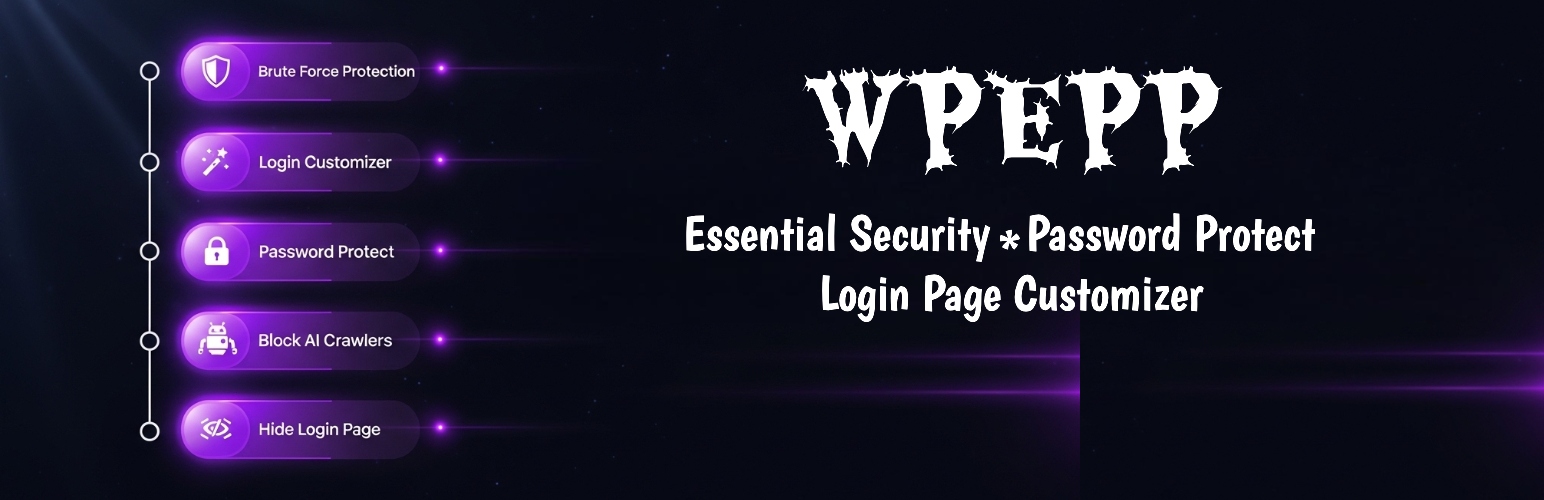

WPEPP — WordPress Password Protection Plugin
WPEPP – Essential Security, Password Protect & Login Page Customizer
by Noor Alam · WordPress.org page · Website
WPEPP has 3,000+ active installs on WordPress.org and 92,564 downloads all time. We have tracked it since September 4, 2026; download trends appear after 30 days of data. The last update was on August 20, 2026, tested up to WordPress 7.1.
WPEPP at a glance
Is WPEPP well maintained?
Features
The feature list from the plugin's own readme on WordPress.org, trimmed to the essentials.
- Real-Time CPU Usage — see current CPU percentage, core count, and 1/5/15-minute load averages
- Memory Overview — monitor PHP memory usage, peak usage, and configured limits
- System Health Score — instant green/yellow/red health badge based on CPU, memory, and cron status
- Slow Query Logger — automatically log database queries that exceed a configurable time threshold
- SAVEQUERIES Toggle — enable or disable WordPress query logging directly from the dashboard
- Cron Jobs Manager — view all scheduled WordPress cron events, run them manually, or delete stale entries
- Overdue Cron Detection — identify cron jobs that are past due and may be stuck
- Plugin Performance — see which plugins consume the most resources and deactivate sluggish ones
- Options Bloat Analyzer — inspect database options table size, autoloaded data, and top autoloaded options
- Transient Cleanup — clean expired transients with one click to reduce database bloat
- Error Log Viewer (Pro) — parse and display PHP and WordPress error log entries by type
- WP Config Manager — toggle WP_DEBUG, WP_DEBUG_LOG, and SAVEQUERIES without editing files
WPEPP reviews and ratings
19 reviews on WordPress.org, with the most recent ones as their authors posted them.
19 reviews
- 5★
-
14
- 4★
-
0
- 3★
-
1
- 2★
-
1
- 1★
-
3
-
Got Money Hungry Out Of Nowhere
This plugin was okay at 1.3.7. The interface was outdated but it served its purpose of customizing the password protected page. At 2.0.0/2.0.1 the interface improved and the app was actually fine, but they introduced the pro version with added features. not even a month after the 2.0.0 upgrade the 2.0.2 update has locked nearly everything under pro including customizing the password protected page. At this point the whole app should be paid because nothing in the free version is useful. Save your time with a more honest plugin developer or do not update past 2.0.1.
basedgaud -
Defeated the whole purpose of it in the newest update
The original purpose of the plugin is now behind a Pro subscription and unnecessary functions were added. The developer went crazy with the Vibe Coding.
luke331 -
Great Plugin
Great Plugin! Exactly what I'm looking for!
paterick -
Great - Password Protect Templates
I really like the simplicity of this plugin. I think they could make it better by adding an additional css section under the "social setup". They have 4 prebuilt template designs to choose from.
alexdo -
Very good and very fast
I just need to change the password protect page, and instantly did it!, i just twicht 2 or 3 things, and thats all. Good Job, and thanks for the free solution! =)
ponxho -
Excellent
Great plugin for elementor, I love it
svetac45
Where WPEPP ranks on WordPress.org
The rankings we track that WPEPP appears in, and how its position changed over 30 days.
| Ranking | WordPress.org placement | Position | 30 days |
|---|---|---|---|
| Best Password Protection Plugins | #7 in search, not tagged | #20 | – |
| Best 404 Error Plugins | #53 in search, not tagged | #88 | – |
| Best Security Plugins | #56 in search, not tagged | #89 | – |
| Best Authentication Plugins | #50 in search, not tagged | #98 | – |
WPEPP alternatives
Plugins that solve the same problem, ranked by how closely they overlap with WPEPP.
-
 Wordfence Security 5 million+ installs · 4.7
 -
 Security and Firewall 1 million+ installs · 4.7
 -
 Really Simple Security 3 million+ installs · 4.9
 -
 Kadence Security 700,000+ installs · 4.6
 -
 Loginizer 1 million+ installs · 4.8
Details
Essential security: password protection, AI crawler blocking, login limits, country restrictions, CPU monitoring & live-preview login customizer.
The full description, screenshots and every review live on the WordPress.org page.
Tags
- block ai crawlers
- essential security
- limit login attempts
- login customizer
- password-protected
More from Noor Alam
-
 SMTP Mailer 70,000+ installs
 -
 Easy Video Player 20,000+ installs
 -
 Gmail SMTP 10,000+ installs
 -
 Easy Media Download 9,000+ installs
- Version
- 2.0.5
- Last updated
- Aug 20, 2026
- First published
- Feb 2, 2018
- Requires WordPress
- 6.0
- Tested up to
- 7.1
- Requires PHP
- 7.4
- Pricing
- Free, paid version available
WPEPP FAQ
What does WPEPP do?
According to its WordPress.org readme, WPEPP offers Real-Time CPU Usage — see current CPU percentage, core count, and 1/5/15-minute load averages, Memory Overview — monitor PHP memory usage, peak usage, and configured limits, System Health Score — instant green/yellow/red health badge based on CPU, memory, and cron status, Slow Query Logger — automatically log database queries that exceed a configurable time threshold and SAVEQUERIES Toggle — enable or disable WordPress query logging directly from the dashboard.
How many active installs does WPEPP have?
WordPress.org reports 3,000+ active installs for WPEPP as of September 7, 2026.
Is WPEPP still maintained?
Yes. The last release was on August 20, 2026 and it is tested up to WordPress 7.1.
Does WPEPP have good support?
On the WordPress.org forum, 2 of 2 recent support threads for WPEPP are marked resolved. That is the developer's free support; a paid version usually comes with its own channel.
Is WPEPP free?
WPEPP is free to install from WordPress.org. The developer lists it as commercial, so a paid version or paid add-ons exist.
Where does WPEPP rank among Password Protection Plugins?
WPEPP is #20 in the WordPress.org Password Protection Plugins ranking.