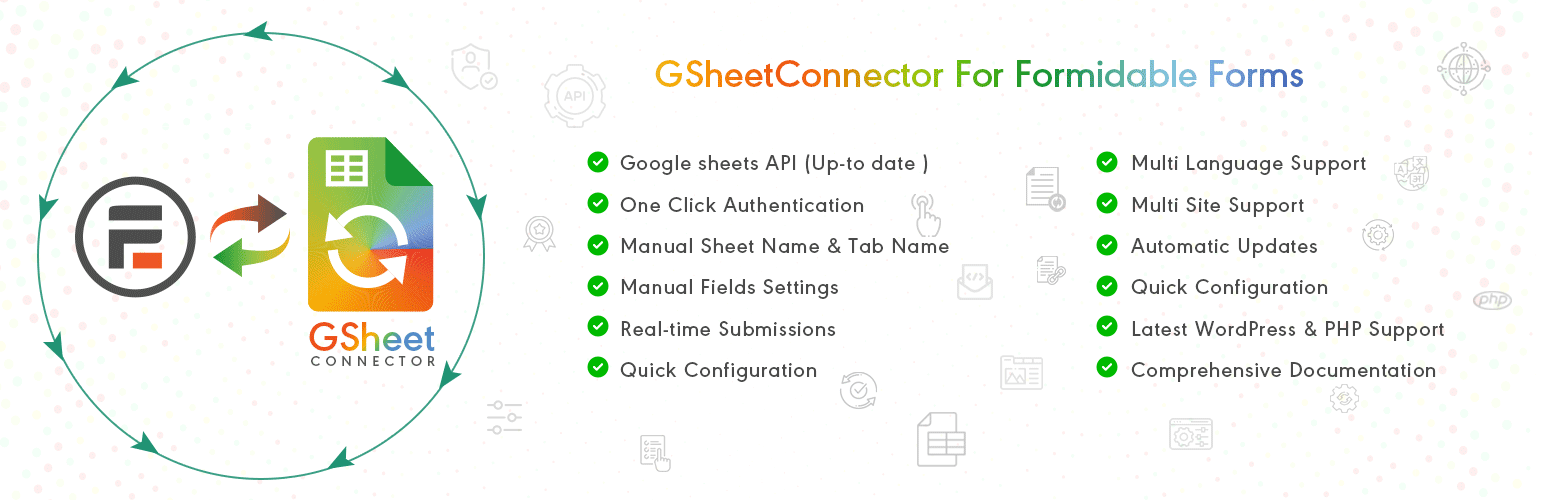

GSheetConnector
GSheetConnector – Formidable Forms Google Sheets Connector, Export Entries to Spreadsheet
by WesternDeal · WordPress.org page · Website
GSheetConnector has 100+ active installs on WordPress.org and 4,864 downloads all time. We have tracked it since September 4, 2026; download trends appear after 30 days of data. The last update was on August 31, 2026, tested up to WordPress 7.1.
GSheetConnector at a glance
Is GSheetConnector well maintained?
Features
The feature list from the plugin's own readme on WordPress.org, trimmed to the essentials.
- Step: 1 – In Google Sheets ➜ Log into your Google Account and visit Google Sheets. ➜ Create a New Sheet and Name it. ➜ Rename or keep default name of the tab…
- Step: 2 – In WordPress Admin ➜ Navigate to Formidable Forms > Google Sheet > Integration Tab ➜ Authenticate with Google using new “Google Access Code” while…
- Step: 3 – Form integrate with Google Sheet ➜ Go to Formidable > Google Sheet > Form Feed tabs ➜ Here Display add Form List and Click on Connect to Google…
- Step: 3 – Arranging Columns in Sheet ➜ In the Google sheets tab, provide column names in row 1. The first column should be “date”. For each further column…
GSheetConnector reviews and ratings
4 reviews on WordPress.org, with the most recent ones as their authors posted them.
4 reviews
- 5★
-
4
- 4★
-
0
- 3★
-
0
- 2★
-
0
- 1★
-
0
-
Greate plugin and support
At first I was a little bit skeptical as it's a relativetly unknown plugin as there's not a bunch of installs.But I have to say the plugin works beautifly and althoght I had some doubts about it's config, support was great and fast.I have to say I'd recommend it if it fits your needs.
gatoo -
Very useful plugin
The plugin works very well, is easy to use, and is well supported by the plugin tech support.
clgm -
Good support
Good support ! I recommend
tikkaazdd -
I highly recommend it for sending form entries to Google Sheets.
One of the most valuable plugins I’ve ever used! I love all its add-on plugins. Thanks a lot! With GSheetConnector for Formidable Forms, there's no chance of missing an entry now. It sends entries in real time, making it incredibly efficient.
Ahmed P
Details
Send your Formidable Forms data directly to your Google Sheet in a real-time.
The full description, screenshots and every review live on the WordPress.org page.
Tags
- formidable forms
- Formidable Forms Addon
- google sheet integration
- Google Sheets API
- wordpress plugin
More from WesternDeal
-
 CF7 Google Sheets Connector 40,000+ installs
 -
 GSheetConnector 9,000+ installs
 -
 GSheetConnector 8,000+ installs
 -
 GSheetConnector 3,000+ installs
- Version
- 1.1.7
- Last updated
- Aug 31, 2026
- First published
- Feb 12, 2024
- Requires WordPress
- 5.6
- Tested up to
- 7.1
- Requires PHP
- 7.4
- Requires plugins
- Formidable Forms
- Pricing
- Free on WordPress.org
GSheetConnector FAQ
What does GSheetConnector do?
According to its WordPress.org readme, GSheetConnector offers Step: 1 – In Google Sheets ➜ Log into your Google Account and visit Google Sheets. ➜ Create a New Sheet and Name it. ➜ Rename or keep default name of the tab, Step: 2 – In WordPress Admin ➜ Navigate to Formidable Forms > Google Sheet > Integration Tab ➜ Authenticate with Google using new “Google Access Code” while, Step: 3 – Form integrate with Google Sheet ➜ Go to Formidable > Google Sheet > Form Feed tabs ➜ Here Display add Form List and Click on Connect to Google and Step: 3 – Arranging Columns in Sheet ➜ In the Google sheets tab, provide column names in row 1. The first column should be “date”. For each further column.
How many active installs does GSheetConnector have?
WordPress.org reports 100+ active installs for GSheetConnector as of September 7, 2026.
Is GSheetConnector still maintained?
Yes. The last release was on August 31, 2026 and it is tested up to WordPress 7.1.
Is GSheetConnector free?
GSheetConnector is free to install from WordPress.org. Many plugins also sell a paid version or add-ons.