
Password Policy Manager — WordPress Download Manager Plugin
by miniOrange · WordPress.org page
Password Policy Manager has 6,000+ active installs on WordPress.org and 109,685 downloads all time. We have tracked it since September 4, 2026; download trends appear after 30 days of data. The last update was on August 26, 2026, tested up to WordPress 7.1.
Password Policy Manager at a glance
Is Password Policy Manager well maintained?
Features
The feature list from the plugin's own readme on WordPress.org, trimmed to the essentials.
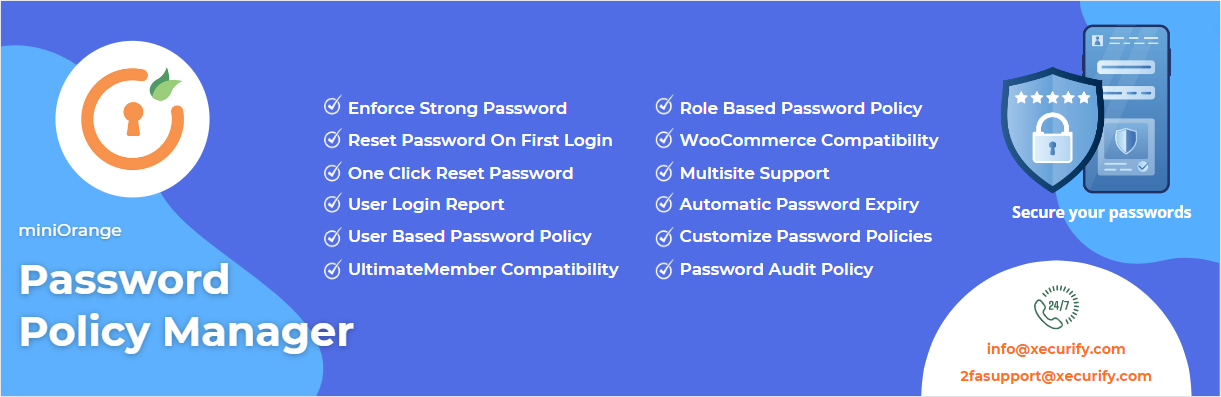
- Enforce strong passwords: Force all users to create strong passwords according to the password policy set by the admin for high Password Security
- Users password manager: User password manager allows the admin to manage the users’ passwords (like password strength, how many passwords are strong, etc) to…
- Enforce password change: Administrators can force users to change their password on their next login using this functionality use to enforce strong passwords…
- One click reset password: This feature allows the admin to invalidate the current password and force their users to generate a new strong password. This can be…
- Password Score: It will show all the users’ password strengths. You can check whether the passwords being used are strong, medium or weak. Based on that you…
- Auto Password Expiry: This feature allows the admin to enforce a custom time-based password expiry to improve Password Security. Once the password has expired…
- Password strength: The admin can set the minimum and maximum length of the password. You can also add constraints that you want your users to follow while…
- Unlimited Users: There is no user limit on the password policy manager plugin and it can be used to create password policies for unlimited users
Password Policy Manager reviews and ratings
14 reviews on WordPress.org, with the most recent ones as their authors posted them.
14 reviews
- 5★
-
11
- 4★
-
0
- 3★
-
2
- 2★
-
0
- 1★
-
1
-
Ok features, but password expiry is PREMIUM
Although the plugin's description claims "Auto Password Expiry" is included in the FREE, it isn't really. What is included in the free version is a 7 week expiry that you can't change. That's misleading - if this was in the description, I wouldn't have bothered installing it. 7 weeks is way too frequent, even corporate giants use 3 months password expiry.I know you need users to have a reason to upgrade to premium (there are plenty of good premium features) - but without the ability to set our own password expiry, this plugin is just a glorified password strength enforcer (Wordfence does that anyway).
Lukas Cech -
Little problem solved
I had a little problem with the page redirect which was solved very quickly and professionally
markkim -
works great
does what you need it to do. customer service is super responsive!
start25 -
Great features and support !
We have many websites, and it became a problem to follow and maintain password policy across all sites.Tested several solutions and came across miniOrange - Password Policy Manager and it performed very well.Their support has been amazing, and they have made some extra professional customization to fit our exact requirements.We would recommend it for anyone to use 😊
shaypenini -
Well thought out plugin with excellent support
We're using this plugin on a site where strong passwords and password compliance are a must, and Password Policy Manager does a wonderful job. The interface is clear and has everything we need without being overwhelming with options. The plugin has been made with attention to detail and has some nice touches that make it easy for users to set a password that matches the policies set in the admin. This way it helps create a good user-experience. Best of all, the developers offer excellent support, both in the free and premium versions. Five stars! ⭐⭐⭐⭐⭐
Dave -
Good for my customers to prevent easy passwords
Since the first hour of creating new wordpress-blogs we are under constant attack. I have to prove that the people I take care of don't use easy passwords for laziness. I do not have any trouble, works great for me.
rlippmann
Where Password Policy Manager ranks on WordPress.org
The rankings we track that Password Policy Manager appears in, and how its position changed over 30 days.
| Ranking | WordPress.org placement | Position | 30 days |
|---|---|---|---|
| Best Download Manager Plugins | #47 in search, not tagged | #84 | – |
Password Policy Manager alternatives
Plugins that solve the same problem, ranked by how closely they overlap with Password Policy Manager.
-
 WPIDE 40,000+ installs · 4.8
 -
 Safe Redirect Manager 40,000+ installs · 4.7
 -
 Advanced Cron Manager 30,000+ installs · 4.7
 -
 Pixel Cat 40,000+ installs · 4.0
 -
 Download Plugin 60,000+ installs · 4.5
Details
Enforce strong passwords with expiry, reset, score checks, inactive user lock, and user password management using Password Policy Manager.
The full description, screenshots and every review live on the WordPress.org page.
Tags
- password security
- password strength
- reset password
- secure Password
- strong password
More from miniOrange
-
 SAML Single Sign On 10,000+ installs
 -
 miniOrange 10,000+ installs
 -
 miniOrange 2FA 10,000+ installs
 -
 JWT Authentication for WP REST APIs 10,000+ installs
- Version
- 2.0.8
- Last updated
- Aug 26, 2026
- First published
- Jan 8, 2021
- Requires WordPress
- 5.3
- Tested up to
- 7.1
- Requires PHP
- 5.3.0
- Pricing
- Free on WordPress.org
Password Policy Manager FAQ
What does Password Policy Manager do?
According to its WordPress.org readme, Password Policy Manager offers Enforce strong passwords: Force all users to create strong passwords according to the password policy set by the admin for high Password Security, Users password manager: User password manager allows the admin to manage the users’ passwords (like password strength, how many passwords are strong, etc) to, Enforce password change: Administrators can force users to change their password on their next login using this functionality use to enforce strong passwords, One click reset password: This feature allows the admin to invalidate the current password and force their users to generate a new strong password. This can be and Password Score: It will show all the users’ password strengths. You can check whether the passwords being used are strong, medium or weak. Based on that you.
How many active installs does Password Policy Manager have?
WordPress.org reports 6,000+ active installs for Password Policy Manager as of September 7, 2026.
Is Password Policy Manager still maintained?
Yes. The last release was on August 26, 2026 and it is tested up to WordPress 7.1.
Is Password Policy Manager free?
Password Policy Manager is free to install from WordPress.org. Many plugins also sell a paid version or add-ons.
Where does Password Policy Manager rank among Download Manager Plugins?
Password Policy Manager is #84 in the WordPress.org Download Manager Plugins ranking.