
SimpleTOC — WordPress Table of Contents Plugin
SimpleTOC – Table of Contents Block
by Marc Tönsing · WordPress.org page · Website
SimpleTOC has 10,000+ active installs on WordPress.org and 634,120 downloads all time. It was downloaded 13,251 times in the last 30 days. The last update was on October 3, 2026, tested up to WordPress 7.1.3.
SimpleTOC at a glance
Is SimpleTOC well maintained?
Features
The feature list from the plugin's own readme on WordPress.org, trimmed to the essentials.
- Designed for Gutenberg
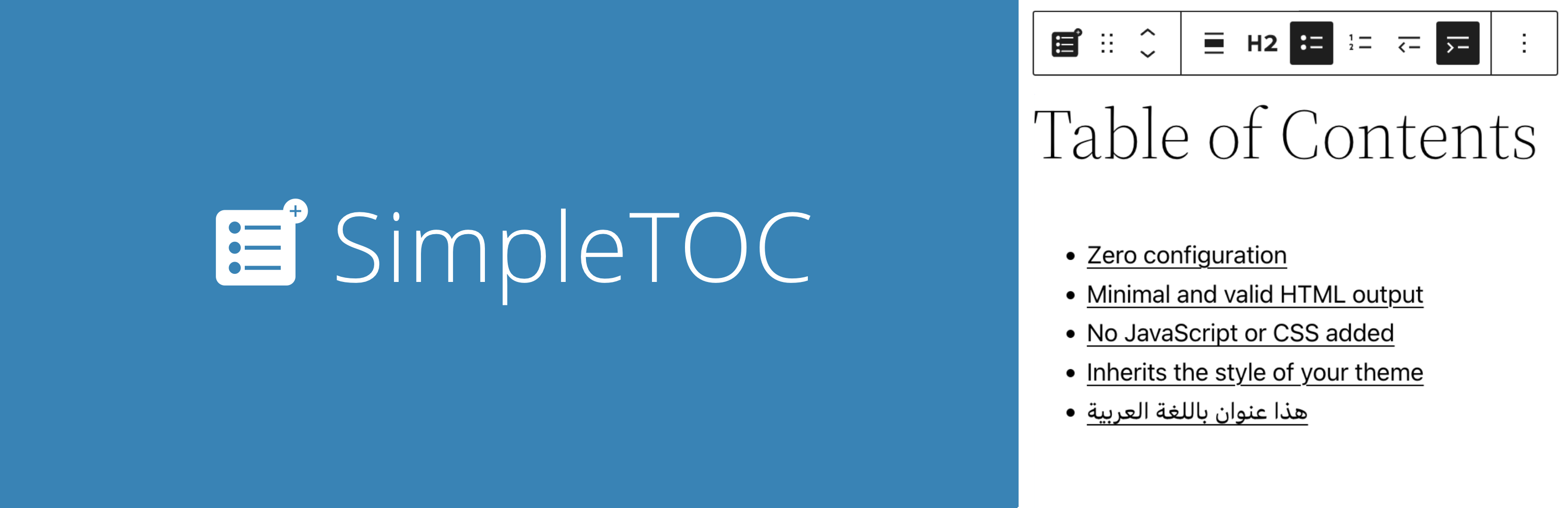
- Zero configuration: Add the SimpleTOC block to your post and that’s it
- Minimal and valid HTML output
- Utilizes the browser’s built-in details tag for a collapsible interface
- No JavaScript or CSS by default. Optional features such as the accordion menu, smooth scrolling, or box style add minimal assets only when enabled
- Optional Box style in Gutenberg’s Styles tab with a default gray background
- Native text, link, background, spacing, and typography controls
- Global block styling through theme.json
- Inherits the style of your theme
- Smooth scrolling effect using CSS
- Accessibility built-in by following web standards
- Standard Gutenberg block wrapper with navigation role and ARIA label attributes
SimpleTOC reviews and ratings
77 reviews on WordPress.org, with the most recent ones as their authors posted them.
77 reviews
- 5★
-
73
- 4★
-
4
- 3★
-
0
- 2★
-
0
- 1★
-
0
-
Works almost out of the box
I just wished this block would follow good practices for developing blocks. I was wondering why I can't style it through theme.json and discovered that it hasn't standard block wrapper. After inspecting block code, I found that it uses get_block_wrapper_attributes() function, but optionally. After finding that option digged under advanced block settings, I was able to style it like I do other blocks. Otherwise, this is a great block plugin.
Lovro Hrust -
Excellent and great Support
The plugin works brilliantly. The support is fantastic. A conflict with another plugin (Noted) was resolved in just 1–2 hours. Thanks
Hans-Gerd Gerhards -
Does what it says on the tin
Does the job with no fuss. I feel that the option to include a basic show/hide button (no animations or other bloat necessary) would add a great deal of polish for very little impact. But, the plugin advertises itself as something that is minimalist, no CSS, no JS, and that is what it is. The links also follow the CSS rules from the site theme which is strangely not the case for other TOC plugins. Well done this dev.
3tianne -
This one will stay in my sites
Thank you Marc, your plugin just works as expected!
Zetona -
Good job!
The plugin works exceptionally well. It is lightweight, stable, and fully compatible with WordPress Full Site Editing. A reliable solution that integrates seamlessly and performs exactly as expected.
js100 -
Does the job perfectly, and adds no bloat
Comparing this to the "Table Of Contents Block" by WPDeveloper, I prefer this one because: It just works automatically. It has less options, but just enough to do what you need. It adds nothing to the frontend to cause bloat. No CSS, no JS. At least not right out of the box. Additional settings can be enabled that will add these, but it's nice that we have the option! This is an example of what a well-written plugin should be.
Clicknathan
Download and install history
27,169 downloads over the last 48 days. Snapshots taken daily from WordPress.org.
Where SimpleTOC ranks on WordPress.org
The rankings we track that SimpleTOC appears in, and how its position changed over 30 days.
| Ranking | WordPress.org placement | Position | 30 days |
|---|---|---|---|
| Best Table of Contents Plugins | #5 by tag, #11 in search | #6 | ▼1 |
| Best Table Plugins | #9 by tag, #31 in search | #12 | ▼2 |
| Best Accessibility Plugins | #12 by tag, #79 in search | #26 | ▼5 |
SimpleTOC alternatives
Plugins that solve the same problem, ranked by how closely they overlap with SimpleTOC.
-
 LuckyWP Table of Contents 90,000+ installs · 4.9
 -
 Joli Table Of Contents 7,000+ installs · 4.9
 -
 Rich Table of Contents 20,000+ installs · 4.1
 -
 Heroic Table of Contents 5,000+ installs · 4.7
 -
 Table Of Contents Block 10,000+ installs · 4.3
Compare SimpleTOC head to head
 SimpleTOC vs Table Field Add-on for ACF and SCF
 SimpleTOC vs Easy Table of Contents
 SimpleTOC vs F70 Simple Table of Contents
 SimpleTOC vs Flexible Table Block
-
SimpleTOC vs Heroic Table of Contents
-
SimpleTOC vs Joli Table Of Contents
-
SimpleTOC vs LuckyWP Table of Contents
 SimpleTOC vs Ninja Tables
-
SimpleTOC vs Rich Table of Contents
 SimpleTOC vs Table Addons for Elementor
 SimpleTOC vs TableKit
 SimpleTOC vs Table Of Content Block
-
SimpleTOC vs Table Of Contents Block
 SimpleTOC vs Table of Contents Plus
 SimpleTOC vs TablePress
 SimpleTOC vs WP Data Access
 SimpleTOC vs WP Table Builder
 SimpleTOC vs wpDataTables
Details
SEO-friendly Table of Contents Gutenberg block. No JavaScript or CSS by default.
The full description, screenshots and every review live on the WordPress.org page.
Rankings SimpleTOC competes in
Tags
- accessibility
- block
- table
- table of contents
- toc
More from Marc Tönsing
-
 Cookie Notice lite 400+ installs
 -
 Silbentrennung 200+ installs
 -
 Remove jQuery 100+ installs
 -
 Game Review Block 100+ installs
- Version
- 7.4.1
- Last updated
- Oct 3, 2026
- First published
- Apr 14, 2020
- Requires WordPress
- 6.2
- Tested up to
- 7.1.3
- Requires PHP
- 7.3
- Pricing
- Free on WordPress.org
SimpleTOC FAQ
What does SimpleTOC do?
According to its WordPress.org readme, SimpleTOC offers Designed for Gutenberg, Zero configuration: Add the SimpleTOC block to your post and that’s it, Minimal and valid HTML output, Utilizes the browser’s built-in details tag for a collapsible interface and No JavaScript or CSS by default. Optional features such as the accordion menu, smooth scrolling, or box style add minimal assets only when enabled.
How many active installs does SimpleTOC have?
WordPress.org reports 10,000+ active installs for SimpleTOC as of October 22, 2026.
Is SimpleTOC still maintained?
Yes. The last release was on October 3, 2026 and it is tested up to WordPress 7.1.3.
Does SimpleTOC have good support?
On the WordPress.org forum, 0 of 1 recent support threads for SimpleTOC are marked resolved. That is the developer's free support; a paid version usually comes with its own channel.
Is SimpleTOC free?
SimpleTOC is free to install from WordPress.org. Many plugins also sell a paid version or add-ons.
Where does SimpleTOC rank among Table of Contents Plugins?
SimpleTOC is #6 in the WordPress.org "table-of-contents" ranking as of today.