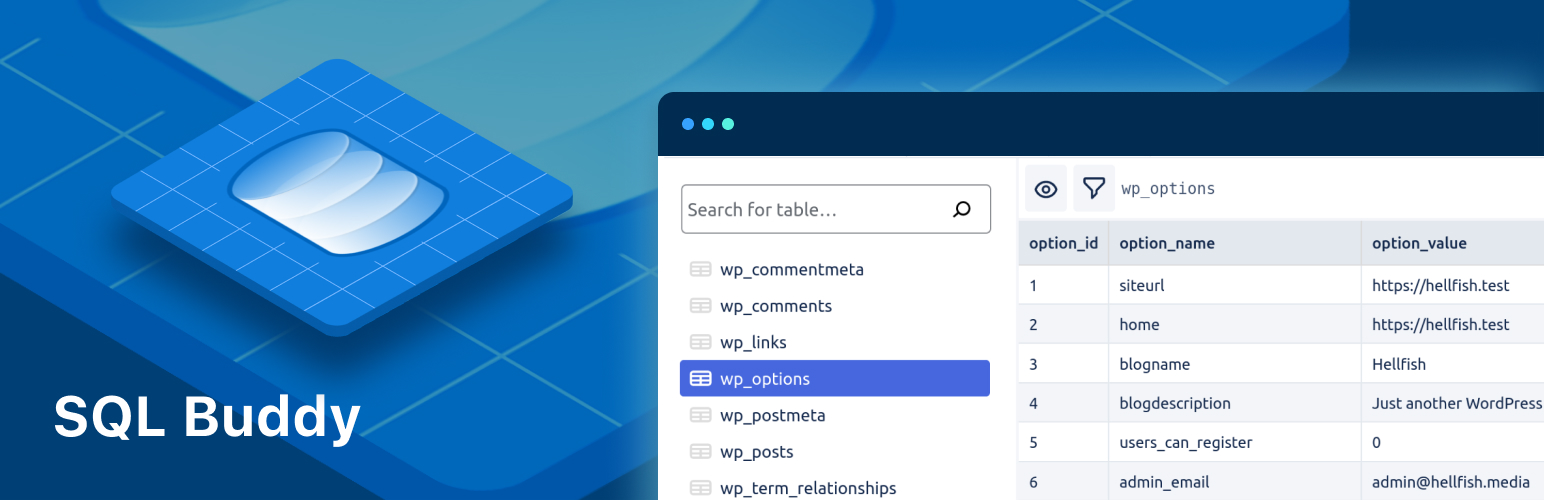

SQL Buddy
SQL Buddy – Database Management Made Easy
by WP Engine · WordPress.org page · Website
SQL Buddy has 5,000+ active installs on WordPress.org and 49,102 downloads all time. We have tracked it since September 4, 2026; download trends appear after 30 days of data. The last update was on June 16, 2025, tested up to WordPress 6.4.10.
SQL Buddy at a glance
Is SQL Buddy well maintained?
Features
The feature list from the plugin's own readme on WordPress.org, trimmed to the essentials.
- View a list of all your database tables, including details like number of records, data usage, and index usage per table
- Navigate through table records quickly, or search for specific tables by name
- Filter table records using custom query conditions
- Choose which table columns to display on a per-table basis
- View the full contents of a single table record with one click
- Easily edit the record contents or delete a table record
SQL Buddy reviews and ratings
14 reviews on WordPress.org, with the most recent ones as their authors posted them.
14 reviews
- 5★
-
14
- 4★
-
0
- 3★
-
0
- 2★
-
0
- 1★
-
0
-
Great plugin for editing records
I have to delete several hundreds of records (all containing 'acf'). A multi-row select option would already be enough for me to buy a premium version. Would be ideal for cleaning up databases.
Anton_Th -
Essential plugin for developers
Almost should be part of WP core IMO
Ryan Novotny -
Simple and easy DB edits
I was amazed at how simple and easy this plugin makes editing the database right from your WordPress admin area!
robertstaddon -
This was really needed, great!
I was looking for something to correct the data in the options table from the admin panel. This is exactly what I need!
dimmez -
Cool plugin!
Very nice, easy plugin.Now, I don't have to switch to phpmyadmin anymore. I wonder, would it be possible to also add the function to add records in a chosen table?
Geert Bouckaert -
So convinient
This is a very nice and easy to use tool that I install on my local dev sites. Especially useful when using Docker or similar because I can't keep track of all exposed MariaDB-ports...
Pär Thernström
SQL Buddy alternatives
Plugins that solve the same problem, ranked by how closely they overlap with SQL Buddy.
-
 Database Cleaner 10,000+ installs · 5.0
 -
 Database Manager 20,000+ installs · 5.0
 -
 Plugins Garbage Collector 10,000+ installs · 4.4
 -
 Better Find and Replace 40,000+ installs · 4.6
 -
 Advanced WordPress Reset 10,000+ installs · 4.9
Details
Your one-stop solution for easy WordPress database management
The full description, screenshots and every review live on the WordPress.org page.
Tags
- database
- Database Browser
- database management
- database queries
- sql
More from WP Engine
-
 Advanced Custom Fields 2 million+ installs
 -
 Better Search Replace 1 million+ installs
 -
 WP Migrate Lite 200,000+ installs
 -
 PHP Compatibility Checker 200,000+ installs
- Version
- 1.0.0
- Last updated
- Jun 16, 2025
- First published
- Jan 12, 2022
- Requires WordPress
- 5.3
- Tested up to
- 6.4.10
- Requires PHP
- 5.6
- Pricing
- Free on WordPress.org
SQL Buddy FAQ
What does SQL Buddy do?
According to its WordPress.org readme, SQL Buddy offers View a list of all your database tables, including details like number of records, data usage, and index usage per table, Navigate through table records quickly, or search for specific tables by name, Filter table records using custom query conditions, Choose which table columns to display on a per-table basis and View the full contents of a single table record with one click.
How many active installs does SQL Buddy have?
WordPress.org reports 5,000+ active installs for SQL Buddy as of September 7, 2026.
Is SQL Buddy still maintained?
The last release was on June 16, 2025, more than a year ago. WordPress.org shows a warning on plugins that go this long without an update.
Is SQL Buddy free?
SQL Buddy is free to install from WordPress.org. Many plugins also sell a paid version or add-ons.