
Traffic Monitor — WordPress Analytics Plugin
by Dmitri Martin · WordPress.org page · Website
Traffic Monitor has 1,000+ active installs on WordPress.org and 8,305 downloads all time. It was downloaded 761 times in the last 30 days. The last update was on September 17, 2026, tested up to WordPress 7.1.3.
Traffic Monitor at a glance
Is Traffic Monitor well maintained?
Features
The feature list from the plugin's own readme on WordPress.org, trimmed to the essentials.
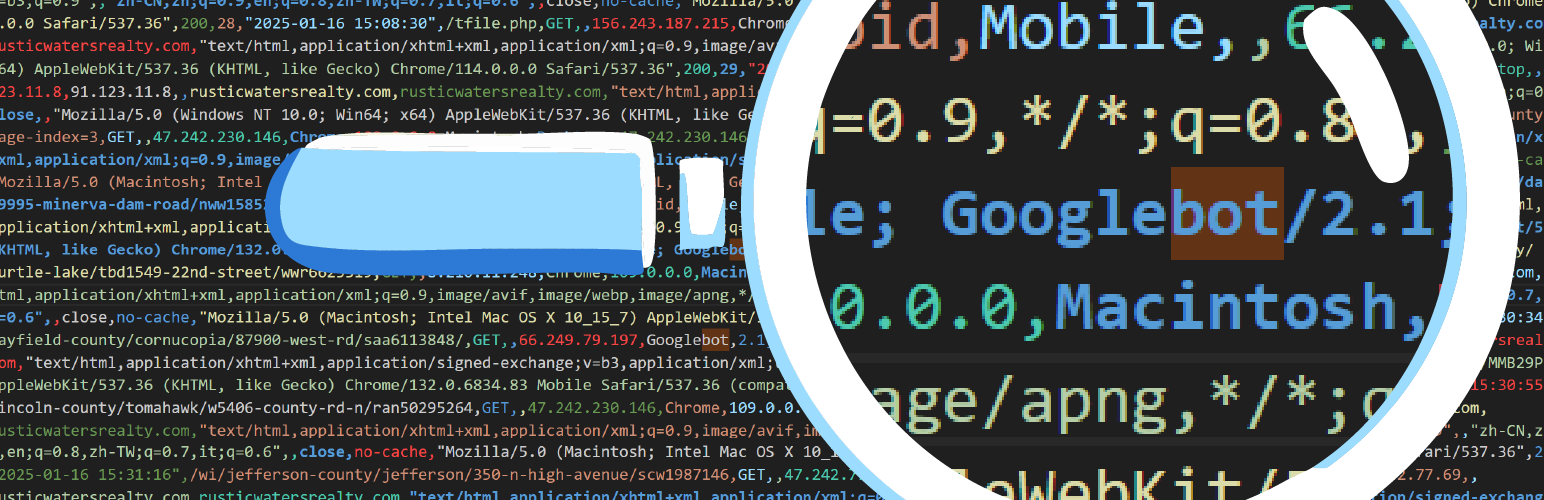
- Logs every page request, including IP address, referrer, user-agent, browser, device, method, and more
- Detects cached traffic even if served by Cloudflare, your web host, or a plugin
- Identifies bot traffic by bot name and category
- View click IDs like gclid and fbclid from ad platforms like Google and Meta
- Records repeat ad clicks to detect potential click fraud
- Bulk delete or export logs with one click
- Search, sort, and drill into data from your dashboard
- Built-in help tabs with definitions, setup help, and troubleshooting
Traffic Monitor reviews and ratings
3 reviews on WordPress.org, with the most recent ones as their authors posted them.
3 reviews
- 5★
-
3
- 4★
-
0
- 3★
-
0
- 2★
-
0
- 1★
-
0
-
Excellent!
I tried many plugins to log the hits on my sites that were experiencing high server loads, and this one is just what I was looking for. It is light weight, shows the data in sortable columns, has a lot of possible column views that you can choose to hide or show in the Screen Options. I like that I can see the IPs and the pages they hit and how often, such as the login, and other backend attempts. Blocking these in my .htaccess has cut my server load quite a bit. I also find the layout easier than my host server logs.
MG Mason -
Version 3 is Awesome
I had no idea how many bots were visiting my website until Traffic Monitor updated to version 3. Not only that, but I can actually track when people visit my site after clicking on a Google search ad. Pretty sweet for a free plugin!
lorimartin -
Just a traffic log - as I needed
Around many plugins called "traffic logs, traffic monitor" - this one really logs traffic on website in a clear and simple way. And is free. Is simple as i was expected to be - a traffic log. Just like a access.log in apache - nothing more, nothing less.
anavrin79
Download and install history
1,357 downloads over the last 49 days. Snapshots taken daily from WordPress.org.
Traffic Monitor alternatives
Plugins that solve the same problem, ranked by how closely they overlap with Traffic Monitor.
-
 Blogger To WordPress 3,000+ installs · 4.2
 -
 Custom 404 Pro 7,000+ installs · 4.2
 -
 Telegram Bot 500+ installs · 4.8
 -
 No-Bot Registration 2,000+ installs · 4.4
 -
 Gobot 200+ installs · 5.0
Details
Lightweight traffic logger for WordPress analytics. View, filter, and export page request data; monitor caching; detect bots; and spot click fraud.
The full description, screenshots and every review live on the WordPress.org page.
Rankings Traffic Monitor competes in
Tags
- analytics
- bot
- fraud
- logging
- traffic
- Version
- 3.2.8
- Last updated
- Sep 17, 2026
- First published
- Jan 23, 2025
- Requires WordPress
- 6.2
- Tested up to
- 7.1.3
- Requires PHP
- 7.4
- Pricing
- Free on WordPress.org
Traffic Monitor FAQ
What does Traffic Monitor do?
According to its WordPress.org readme, Traffic Monitor offers Logs every page request, including IP address, referrer, user-agent, browser, device, method, and more, Detects cached traffic even if served by Cloudflare, your web host, or a plugin, Identifies bot traffic by bot name and category, View click IDs like gclid and fbclid from ad platforms like Google and Meta and Records repeat ad clicks to detect potential click fraud.
How many active installs does Traffic Monitor have?
WordPress.org reports 1,000+ active installs for Traffic Monitor as of October 23, 2026.
Is Traffic Monitor still maintained?
Yes. The last release was on September 17, 2026 and it is tested up to WordPress 7.1.3.
Is Traffic Monitor free?
Traffic Monitor is free to install from WordPress.org. Many plugins also sell a paid version or add-ons.