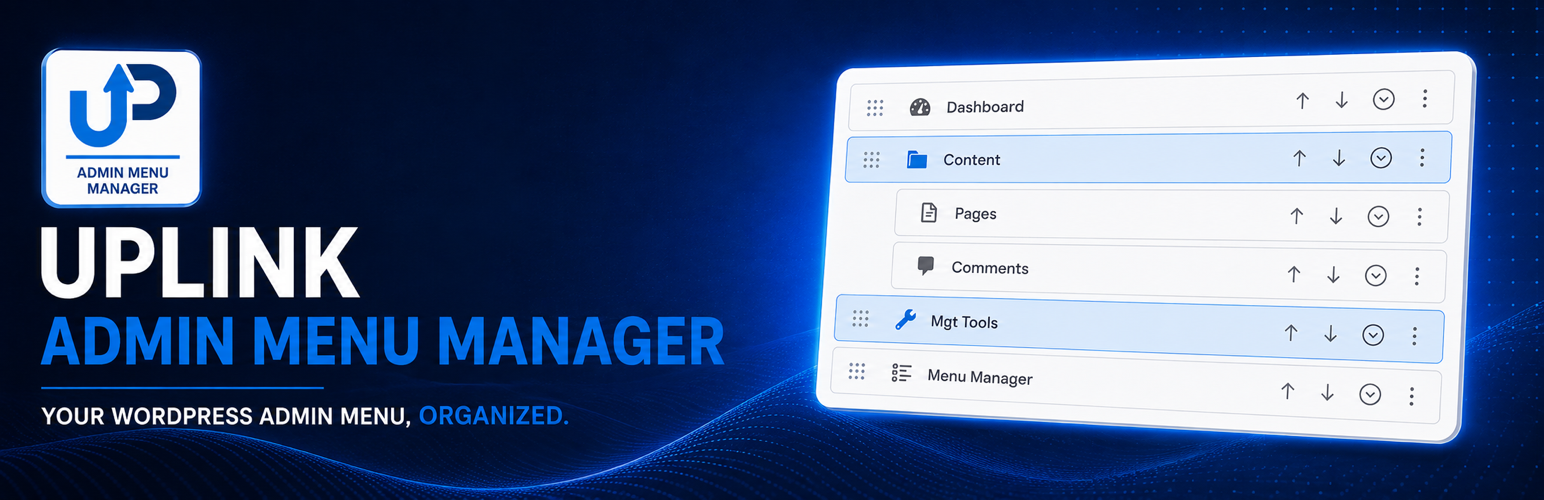

Uplink Admin Menu Manager — WordPress Accessibility Plugin
by Stephen Walker · WordPress.org page · Website
Uplink Admin Menu Manager has 50+ active installs on WordPress.org and 1,109 downloads all time. It was downloaded 747 times in the last 30 days. The last update was on October 8, 2026, tested up to WordPress 7.1.3.
Uplink Admin Menu Manager at a glance
Is Uplink Admin Menu Manager well maintained?
Features
The feature list from the plugin's own readme on WordPress.org, trimmed to the essentials.
- Reorder, rename, hide, and recolor top-level admin menu items and their expanded submenus
- Reorder, rename, hide, and move submenu items
- Place menu items inside accessible collapsible groups
- Keep one unpinned group open at a time or let users control each group independently
- Add custom links and non-clickable headings
- Adjust the desktop admin menu width
- Hide selected entries from the Plugins screen by role
- Protect selected user accounts from profile-management actions
- Export or import the complete configuration or only its visual settings
Uplink Admin Menu Manager reviews and ratings
1 reviews on WordPress.org, with the most recent ones as their authors posted them.
1 reviews
- 5★
-
0
- 4★
-
1
- 3★
-
0
- 2★
-
0
- 1★
-
0
-
A simple but powerful productivity tool
Uplink has helped me organise and structure my WordPress Admin Menu into a much more efficient and productive working environment. Being able to logically group menu items makes it much easier to find what I need and navigate the site's backend without wasting time searching through a cluttered menu. A very helpful plugin that has made my day-to-day administration noticeably easier. Good job, and thank you for the effort that has gone into developing it. Much appreciated!
janvil
Download and install history
1,080 downloads over the last 47 days. Snapshots taken daily from WordPress.org.
Details
Organize WordPress admin menus with role-aware profiles and accessible collapsible groups.
The full description, screenshots and every review live on the WordPress.org page.
Rankings Uplink Admin Menu Manager competes in
Tags
- accessibility
- admin menu
- dashboard
- menu editor
- menu groups
More from Stephen Walker
-
 Uplink Media Bridge for Etch 100+ installs
 -
 Uplink Editorial Title 40+ installs
 -
 Uplink Unified Ops Center 40+ installs
 -
 Uplink Analytics Dashboard for Cabin 20+ installs
- Version
- 1.1.0
- Last updated
- Oct 8, 2026
- First published
- Sep 6, 2026
- Requires WordPress
- 7.0
- Tested up to
- 7.1.3
- Requires PHP
- 8.1
- Pricing
- Free on WordPress.org
Uplink Admin Menu Manager FAQ
What does Uplink Admin Menu Manager do?
According to its WordPress.org readme, Uplink Admin Menu Manager offers Reorder, rename, hide, and recolor top-level admin menu items and their expanded submenus, Reorder, rename, hide, and move submenu items, Place menu items inside accessible collapsible groups, Keep one unpinned group open at a time or let users control each group independently and Add custom links and non-clickable headings.
How many active installs does Uplink Admin Menu Manager have?
WordPress.org reports 50+ active installs for Uplink Admin Menu Manager as of October 24, 2026.
Is Uplink Admin Menu Manager still maintained?
Yes. The last release was on October 8, 2026 and it is tested up to WordPress 7.1.3.
Does Uplink Admin Menu Manager have good support?
On the WordPress.org forum, 1 of 1 recent support threads for Uplink Admin Menu Manager are marked resolved. That is the developer's free support; a paid version usually comes with its own channel.
Is Uplink Admin Menu Manager free?
Uplink Admin Menu Manager is free to install from WordPress.org. Many plugins also sell a paid version or add-ons.