
ExtenderX — WordPress Accessibility Plugin
ExtenderX – Accessibility, Block Animations & Site Enhancements
by WPXERO · WordPress.org page · Website
ExtenderX has 100+ active installs on WordPress.org and 6,032 downloads all time. It was downloaded 282 times in the last 30 days. The last update was on October 10, 2026, tested up to WordPress 7.1.3.
ExtenderX at a glance
Is ExtenderX well maintained?
Features
The feature list from the plugin's own readme on WordPress.org, trimmed to the essentials.
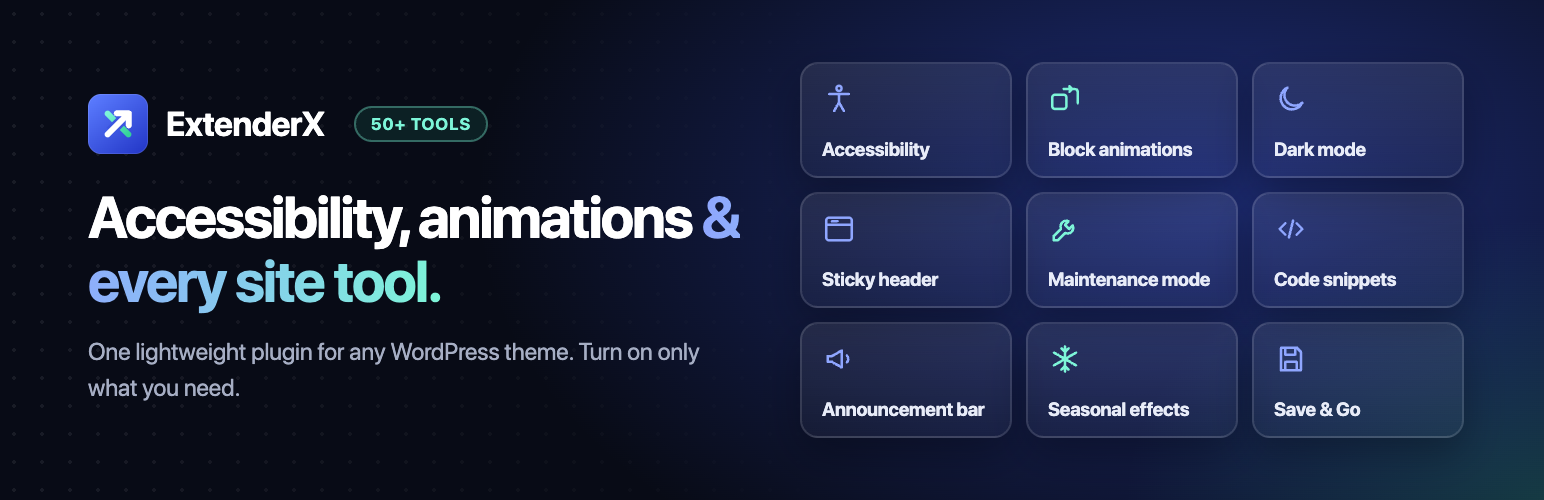
- Make your site easier to use — a visitor-facing accessibility toolbar with 11 display tools, 4 one-click profiles, a skip to content link and visible keyboard…
- Animate any Gutenberg block — entrance, floating and 3D tilt animations on core blocks and third-party blocks, with no new blocks to learn
- Add dark mode — a light/dark toggle for visitors that works with any theme
- Improve navigation — sticky header, sticky footer bar, back to top button, scroll progress bar, scrollspy and smart auto-hiding header
- Launch and maintain — maintenance mode and coming soon mode, with admins keeping full access
- Promote offers — announcement bar, floating call-to-action button and CTA pulse animation
- Add tracking and custom code — insert header and footer scripts and manage HTML, CSS and JavaScript snippets without editing theme files
- Protect content — disable right click, text copy, inspect and image drag
- Publish faster — Save & Go adds “save and jump to…” actions to the post editor
Download and install history
552 downloads over the last 50 days. Snapshots taken daily from WordPress.org.
Details
Accessibility toolbar, block animations, dark mode, sticky header, maintenance mode, code snippets and 50+ site tools in one lightweight plugin.
The full description, screenshots and every review live on the WordPress.org page.
Rankings ExtenderX competes in
Tags
- accessibility
- animation
- code-snippets
- dark mode
- maintenance mode
More from WPXERO
-
 Ultimate Cursor 3,000+ installs
 -
 MarqueeX 900+ installs
 -
 Photo Sphere Viewer 600+ installs
 -
 SlideVerse 100+ installs
- Version
- 1.10.0
- Last updated
- Oct 10, 2026
- First published
- Oct 1, 2024
- Requires WordPress
- 6.2
- Tested up to
- 7.1.3
- Requires PHP
- 7.4
- Pricing
- Free on WordPress.org
ExtenderX FAQ
What does ExtenderX do?
According to its WordPress.org readme, ExtenderX offers Make your site easier to use — a visitor-facing accessibility toolbar with 11 display tools, 4 one-click profiles, a skip to content link and visible keyboard, Animate any Gutenberg block — entrance, floating and 3D tilt animations on core blocks and third-party blocks, with no new blocks to learn, Add dark mode — a light/dark toggle for visitors that works with any theme, Improve navigation — sticky header, sticky footer bar, back to top button, scroll progress bar, scrollspy and smart auto-hiding header and Launch and maintain — maintenance mode and coming soon mode, with admins keeping full access.
How many active installs does ExtenderX have?
WordPress.org reports 100+ active installs for ExtenderX as of October 24, 2026.
Is ExtenderX still maintained?
Yes. The last release was on October 10, 2026 and it is tested up to WordPress 7.1.3.
Is ExtenderX free?
ExtenderX is free to install from WordPress.org. Many plugins also sell a paid version or add-ons.