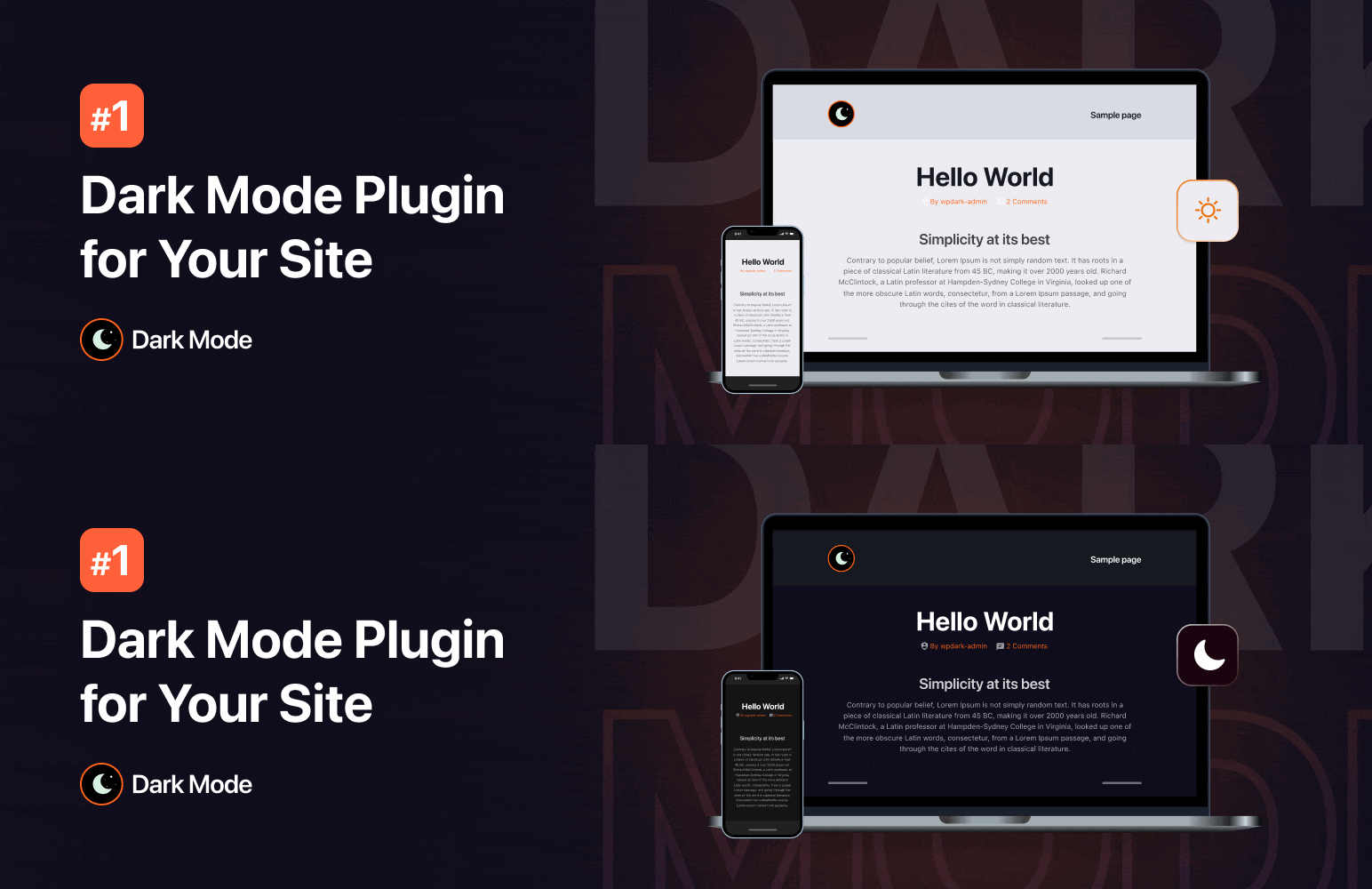

Dark Mode — WordPress Accessibility Plugin
Dark Mode – Improve Accessibility with AI Powered Dark Theme
by WPPOOL · WordPress.org page · Website
Dark Mode has 20,000+ active installs on WordPress.org and 1,448,634 downloads all time. It was downloaded 28,856 times in the last 30 days. The last update was on September 29, 2026, tested up to WordPress 7.1.3.
Dark Mode at a glance
Is Dark Mode well maintained?
Features
The feature list from the plugin's own readme on WordPress.org, trimmed to the essentials.
- Floating Dark Mode Switch – Display a floating switch in the footer of your website. The switch lets your site visitors easily toggle between different modes
- Default Dark Mode – Make it the default mode of your website. Users will experience it first after entering your website
- Elementor Widget Support – Place the mode switch on any page/post using the Elementor widget
- Gutenberg Block Support – Place the mode toggle on any page/post using the Gutenberg block
- Apply Light or Dark Theme Based on OS Setting – Detect an user’s device theme and automatically enable preferred mode for your visitors to ensure a seamless…
- Admin Panel Dark Mode – Enable dark mode on the WordPress admin panel/dashboard. Give your eyes a much-needed rest while working long hours by enabling it
- Dark Mode Color Presets – 2 exclusive color presets are available to quickly change the color from the predefined preset. Give your website a brand new look…
- Remember User Preference – Enable the plugin to remember users’ choices and automatically enable preferred mode for visitors who used it before
- Shortcode Support – Take advantage of the [wp_dark_mode_switch] shortcode to display the switch anywhere on your website
- Low Image Brightness – Decrease the brightness and contrast of images in the dark
- Accessibility Features – Toggle your preferred mode by using a keyboard shortcut (Ctrl + Alt + D) or using a URL/domain parameter
- Toggle Animation – Choose the animation effect between dark/white theme with numerous options including Fade In, Pulse, Flip and many more
Dark Mode reviews and ratings
390 reviews on WordPress.org, with the most recent ones as their authors posted them.
390 reviews
- 5★
-
320
- 4★
-
25
- 3★
-
7
- 2★
-
12
- 1★
-
26
-
Fantastic plugin, very efficient support
This is one of the best plugins I've ever used
juancontrabajo -
Amazing plugin and customer support!
The quality of their plugins is superb, and if you encounter any issues, they are quick to respond to your emails and provide assistance. Outstanding customer service and a great overall experience.
ninomx1 -
Great plugin!
Absolutely love this plugin. It’s incredibly easy to use and does exactly what it promises. I did run into a small issue at one point, but the support team responded almost immediately and resolved it without any hassle. That level of responsiveness really stands out. Highly recommend!
jjackson2018 -
Excellent Plugin, Great Support!
I love having Dark Mode on my sites, and this made it so easy. Had an issue with one of the elements on my page not properly turning "dark", contacted support, and within a few hours, they responded back with a fix. Really great plugin, works well and is easy to use!
killerpcs -
Awesome plugin and support
Love this plugin, easy to use. But despite ran into some issues which were resolved by support almost instantly! Thanks!
diederickvandeenote -
Pretty capable plugin.
Considering what's available for free, it's quite impressive, works well. The default colour options are not what I'd call perfect for my site, but you can spend time customising them, though most of this is in the paid version. The social share is an incredibly strange inclusion for this plugin, but given how well it works I welcome it, I do really wish it had Discord support though. The licensing model is interesting, all subscription licenses are lifetime, but priority support and updates are only available when you have an active subscription. I'm not against this, but I do find it a bit silly that the free version would be "more secure" than the paid version if you have a lapsed subscription, since there's no updates included. I wish there was a real lifetime plan, that included everything, then I'd buy it.
chrisproau
Download and install history
46,552 downloads over the last 36 days. Snapshots taken daily from WordPress.org.
Where Dark Mode ranks on WordPress.org
The rankings we track that Dark Mode appears in, and how its position changed over 30 days.
| Ranking | WordPress.org placement | Position | 30 days |
|---|---|---|---|
| Best Accessibility Plugins | #10 by tag, #17 in search | #8 | ▼2 |
Dark Mode alternatives
Plugins that solve the same problem, ranked by how closely they overlap with Dark Mode.
-
 My Calendar 20,000+ installs · 4.7
 -
 WP Accessibility 60,000+ installs · 4.8
 -
 SOGO Accessibility 5,000+ installs · 4.1
 -
 WP Accessibility Helper 10,000+ installs · 4.7
 -
 Accessibility by UserWay 80,000+ installs · 4.0
Compare Dark Mode head to head
 Dark Mode vs Equalize Digital Accessibility Checker
 Dark Mode vs Accessibility Widget by OneTap
 Dark Mode vs Alt Text AI
-
Dark Mode vs My Calendar
 Dark Mode vs Web Accessibility
-
Dark Mode vs SOGO Accessibility
-
Dark Mode vs Accessibility by UserWay
-
Dark Mode vs WP Accessibility Helper
-
Dark Mode vs WP Accessibility
Details
Enable dark mode on WordPress without any coding. Improve site accessibility with a stunning dark theme that improves conversion.
The full description, screenshots and every review live on the WordPress.org page.
Tags
- accessibility
- dark
- dark mode
- dark theme
- Night Mode
More from WPPOOL
-
 FlexTable 3,000+ installs
 -
 Contact Form to Chat Apps 3,000+ installs
 -
 Call to Action Block by WPPOOL 1,000+ installs
 -
 FlexMeeting 1,000+ installs
- Version
- 5.3.19
- Last updated
- Sep 29, 2026
- First published
- Jul 20, 2020
- Requires WordPress
- 5.2
- Tested up to
- 7.1.3
- Requires PHP
- 5.6
- Pricing
- Free on WordPress.org
Dark Mode FAQ
What does Dark Mode do?
According to its WordPress.org readme, Dark Mode offers Floating Dark Mode Switch – Display a floating switch in the footer of your website. The switch lets your site visitors easily toggle between different modes, Default Dark Mode – Make it the default mode of your website. Users will experience it first after entering your website, Elementor Widget Support – Place the mode switch on any page/post using the Elementor widget, Gutenberg Block Support – Place the mode toggle on any page/post using the Gutenberg block and Apply Light or Dark Theme Based on OS Setting – Detect an user’s device theme and automatically enable preferred mode for your visitors to ensure a seamless.
How many active installs does Dark Mode have?
WordPress.org reports 20,000+ active installs for Dark Mode as of October 22, 2026.
Is Dark Mode still maintained?
Yes. The last release was on September 29, 2026 and it is tested up to WordPress 7.1.3.
Does Dark Mode have good support?
On the WordPress.org forum, 2 of 3 recent support threads for Dark Mode are marked resolved. That is the developer's free support; a paid version usually comes with its own channel.
Is Dark Mode free?
Dark Mode is free to install from WordPress.org. Many plugins also sell a paid version or add-ons.
Where does Dark Mode rank among Accessibility Plugins?
Dark Mode is #8 in the WordPress.org "accessibility" ranking as of today.