
Darkify
Darkify – Dark Mode & Night Mode for Website & Admin (Dark Theme Included)
by ThemeAtelier · WordPress.org page · Website
Darkify has 1,000+ active installs on WordPress.org and 26,485 downloads all time. It was downloaded 2,033 times in the last 30 days. The last update was on October 17, 2026, tested up to WordPress 7.1.3.
Darkify at a glance
Is Darkify well maintained?
Features
The feature list from the plugin's own readme on WordPress.org, trimmed to the essentials.
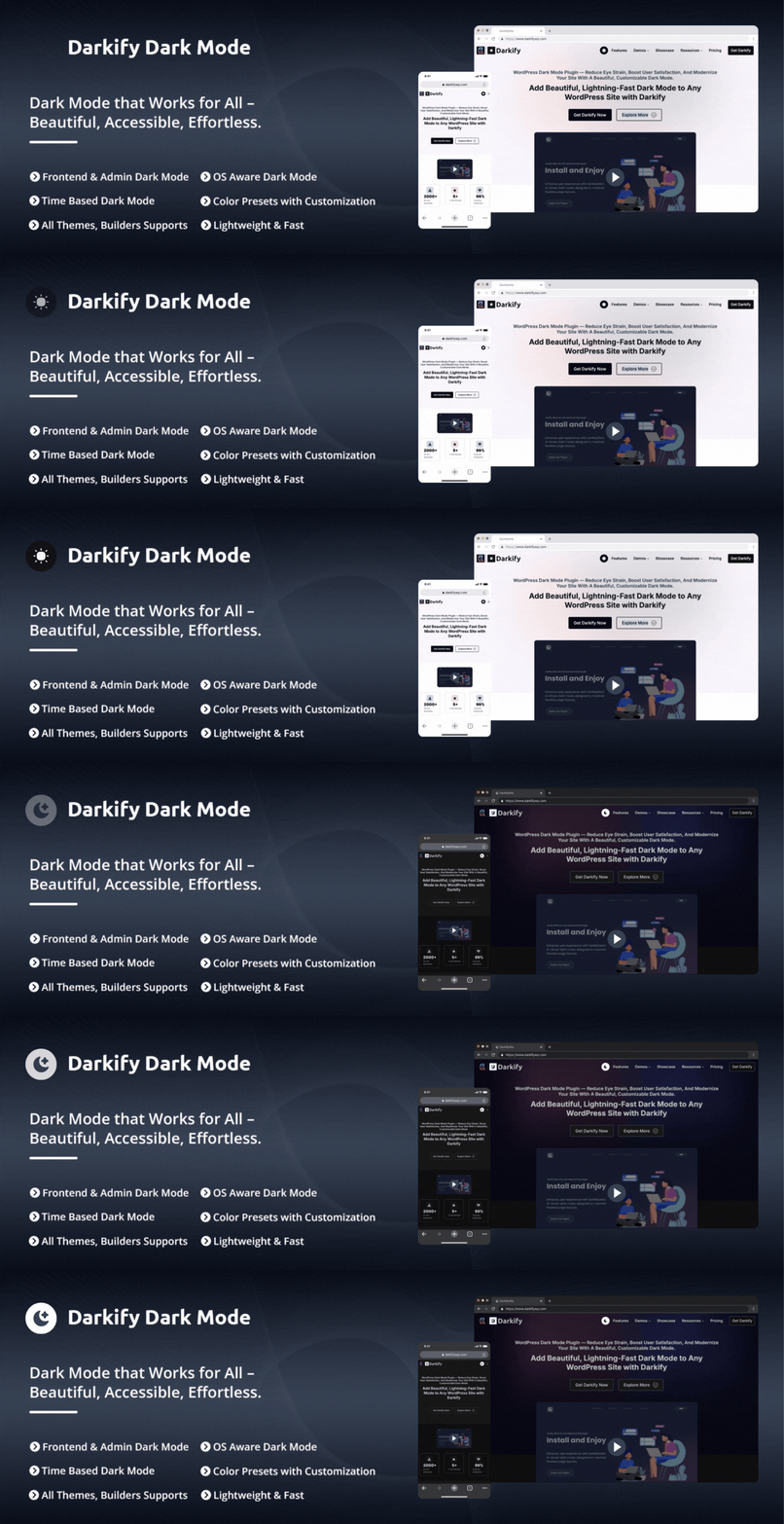
- Frontend Dark Mode: Enable dark mode on the public-facing website and allow visitors to switch between light and dark themes using a toggle
- Admin Dashboard Dark Mode: Apply dark mode to the WordPress admin area to provide a darker interface while managing site content and settings
- Editor-Specific Dark Mode: Enable dark mode independently for the WordPress Admin Panel, Block Editor (Gutenberg), and Classic Editor — darken the editor while…
- Admin & Editor Color Presets: Choose a color preset for the WordPress admin and a separate one for the Block Editor. Both default to Auto, which derives a…
- Default Dark Mode: Load the website in dark mode by default while allowing visitors to switch back to light mode at any time
- OS-Aware Dark Mode: Detect the visitor’s operating system preference and automatically apply light or dark mode accordingly
- Time-Based Dark Mode: Schedule automatic switching between light and dark mode based on a defined time range
- Keyboard Shortcut: Allow users to toggle dark mode with a keyboard shortcut. Ctrl + Alt + D works out of the box, and you can record any key combination you…
- Multiple Floating Switch Designs: Choose from 5 floating switch styles — 16 in total with Pro — and pick the screen corner it sits in, with its own margin…
- Switch Attention Effect: Enable an animation on the floating switch to draw visitor attention. Choose from multiple effect styles including Pulse to highlight…
- Customizable Switch: Adjust the switch size, colors, icons, and styling to match the site’s design
- Switch in Menu: Insert the dark mode toggle into selected WordPress navigation menus
Darkify reviews and ratings
27 reviews on WordPress.org, with the most recent ones as their authors posted them.
27 reviews
- 5★
-
25
- 4★
-
0
- 3★
-
0
- 2★
-
0
- 1★
-
2
-
Top-notch plugin
I've tested several plugins, but this one is in a league of its ownand, best of all, it's very lightweight in terms of CSS and offers lots of customization optionsThe best
Philippe Cadu -
Contact form spamming suggests an untrustworthy dev
Do you like receiving unsolicited marketing emails with no opt-out mechanism? If so then you've come to the right plugin! I learned of this plugin from the contact form spam sent out by the dev *in response to my own review of a theme* They went from my review of a theme on the repo, to my Wordpress profile which links to my website, and on to my contact form to advertise this plugin. We have to do better than this mess.
Autistic PhD -
Very useful
I'm not wordpress professional but this plugin is very useful and handy specially for viewing website on mobile. great thanks to devellopement team
karimbelghazi -
Easy Dark mode
works well and easy to implement low cost darkmode
lishan89 -
Nice & light!
A great new dark mode plugin, covering all the essentials.
geek2geek -
TOTAL FRONTEND BREAKER. Disappointing perforance for on 2026
It's utter garbage. It doesn't even work with the paid plan. It's slow, lacks CSS control over hard-coded styles that relentlessly and inevitably execute pseudo-elements, and isn't compatible with any wordpress thee, or customized css /design /tokens system integrated or builder (Bricks, Divi, Enfold, Elementor, Beaver, etc). The only one that was ore suitable was the Block builder/Gutembertg, but thats not what most designers are aiming for on 2026. Evcen tried disabling every plugin on my system and the same output... and is unbelievable that just on that ters i can have a really slow but decent dark mode peforance with 350mb of emory on tav perforance becasue of all the heavy load hardcoded rules that are useless for a single page and soe few tokens i just set up... totally mindless and not meant to work with the current existent Production and Commercial Leader themes and syastems, and not even able to compatibilize with customizations or ewven the basic wordpress customizer override. First, it simply does not work reliably. Across multiple environments (Windows, macOS, Linux) and browsers (Firefox, Chromium-based, Opera), the result is the same: activating the toggle frequently freezes the tab entirely. No console output, no debug information—just a complete lock-up. On the rare occasion it does load, it can take several minutes. Second, the implementation is fundamentally flawed. The plugin relies on aggressive, hard-coded CSS rules with excessive use of !important, which override everything—including pseudo-elements, overlays, transparency, and background images. This destroys any non-trivial UI. There is no meaningful way to control or override these styles. Third, there is no real developer support: No proper debugging tools or logs No useful technical documentation No guidance for integration with custom themes or design systems Fourth, the architecture shows clear limitations. Instead of using modern approaches like tokenization, root variable swapping, o
SatoshiSea
Download and install history
3,245 downloads over the last 48 days. Snapshots taken daily from WordPress.org.
Darkify alternatives
Plugins that solve the same problem, ranked by how closely they overlap with Darkify.
-
 Dark Mode 20,000+ installs · 4.5
 -
 Darklup 1,000+ installs · 4.5
 -
 Dark Mode for WP Dashboard 3,000+ installs · 4.8
 -
 WP Night Mode 700+ installs · 4.5
 -
 Adminify 6,000+ installs · 4.3
Details
Darkify Dark Mode adds dark mode and night mode to WordPress websites and admin dashboards using a fast, lightweight, customizable dark mode toggle.
The full description, screenshots and every review live on the WordPress.org page.
Tags
- dark
- dark mode
- dark theme
- Night Mode
- wordpress dark mode
More from ThemeAtelier
-
 ChatHelp 2,000+ installs
 -
 Better Chat Support 1,000+ installs
 -
 Eventful 400+ installs
 -
 Chat Support for Viber 300+ installs
- Version
- 2.2.1
- Last updated
- Oct 17, 2026
- First published
- Apr 27, 2024
- Requires WordPress
- 5.5
- Tested up to
- 7.1.3
- Requires PHP
- 7.1
- Pricing
- Free, paid version available
Darkify FAQ
What does Darkify do?
According to its WordPress.org readme, Darkify offers Frontend Dark Mode: Enable dark mode on the public-facing website and allow visitors to switch between light and dark themes using a toggle, Admin Dashboard Dark Mode: Apply dark mode to the WordPress admin area to provide a darker interface while managing site content and settings, Editor-Specific Dark Mode: Enable dark mode independently for the WordPress Admin Panel, Block Editor (Gutenberg), and Classic Editor — darken the editor while, Admin & Editor Color Presets: Choose a color preset for the WordPress admin and a separate one for the Block Editor. Both default to Auto, which derives a and Default Dark Mode: Load the website in dark mode by default while allowing visitors to switch back to light mode at any time.
How many active installs does Darkify have?
WordPress.org reports 1,000+ active installs for Darkify as of October 22, 2026.
Is Darkify still maintained?
Yes. The last release was on October 17, 2026 and it is tested up to WordPress 7.1.3.
Does Darkify have good support?
On the WordPress.org forum, 2 of 2 recent support threads for Darkify are marked resolved. That is the developer's free support; a paid version usually comes with its own channel.
Is Darkify free?
Darkify is free to install from WordPress.org. The developer lists it as commercial, so a paid version or paid add-ons exist.